

Have you ever been frustrated by last-minute flight changes? Airline schedules can seem unpredictable, but a few simple tools can help you stay in control. Using quick online searches, airline apps, airport websites, and clear flight maps means you won't be caught off guard. In this post, we break down step-by-step how to keep track of schedule changes so you can adjust your plans on time. This straightforward method takes the stress out of travel updates.
All-in-One Approach to Track Airline Schedule Changes
Using different tools to track your flight gives you a clearer picture of any schedule changes. Each method shows its own details, so using a few can help you avoid surprises. For example, a quick Google search with "AA 2488 status" shows live departure times, terminal info, and alerts right away. This mix of quick searches and detailed maps makes it simple to adjust your travel plans when needed.
Different tools cover various parts of flight tracking. Airline apps send push alerts for delays and offer rebooking options. Airport websites update you on gate changes and security wait times. Flight-tracking platforms even reveal live maps and real-time flight paths, which is very handy if weather or crowded airspace affects your route. With these resources at your fingertips, you can change your itinerary quickly and safely.
| Tool/Method | Setup Steps | Key Features |
|---|---|---|
| Google Search | Type “AA 2488 status” in the search bar | Live depart/arrival times, terminal and gate details, delay alerts |
| Airline App | Download the app, log in, and enable notifications | Push alerts, rebooking options, itinerary management |
| Airport Site | Visit the flight status page on the website | Gate changes, security wait times, current status alerts |
| Flight-Tracking Platform | Register and look for your flight on the platform | Live maps, flight paths, detailed delay updates |
Choose the tool that fits your travel needs best. Use Google for a quick check, rely on your airline app for instant alerts and rebooking, visit the airport website for local updates, and use a flight-tracking platform if you need detailed flight path information.
Using Online Flight Trackers to Track Flight Schedule Changes
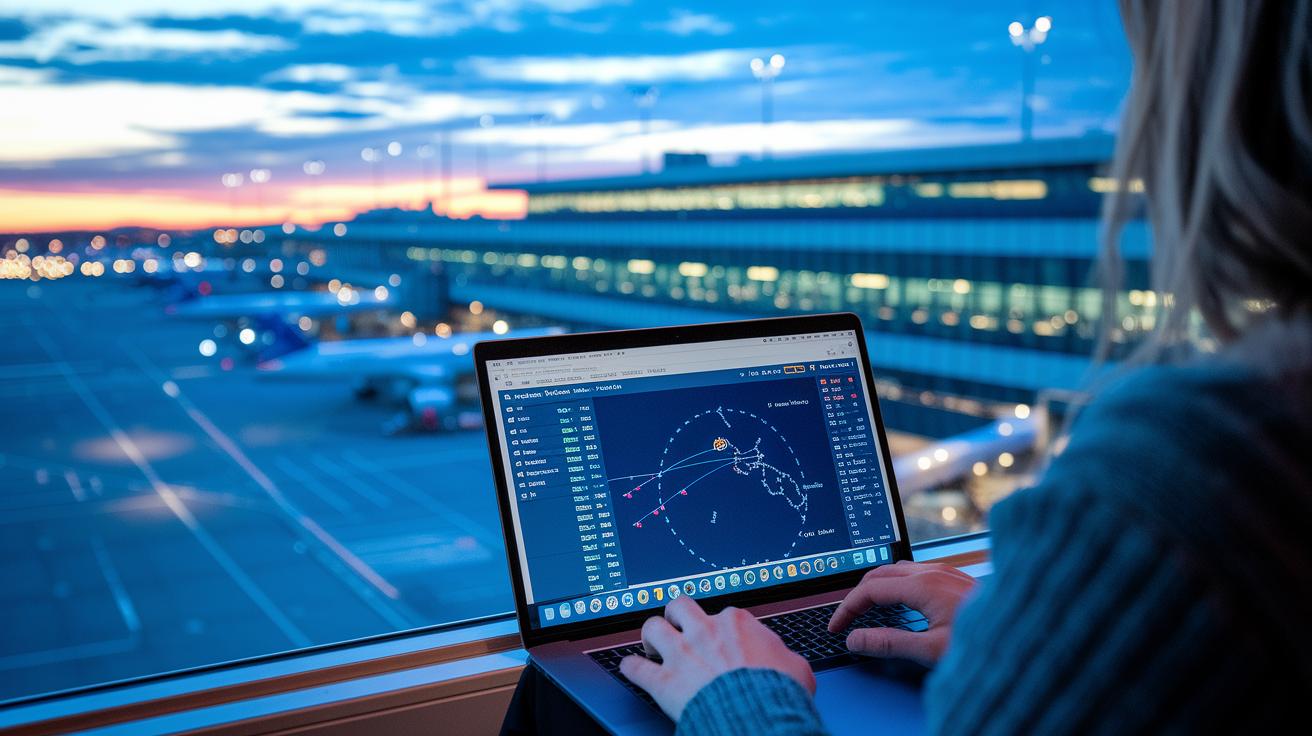
Online flight trackers can really help you keep up with flight schedule changes. They show live details like departures, delays, and changes to terminals and gates with just a few clicks. This helps you adjust your plans quickly when things don’t go as expected.
| Flight Tracker | Features |
|---|---|
| FlightRadar24 |
• Real-time maps showing where planes are • Weather overlays to help you see current conditions • Detailed airport status updates • Continuously updated flight paths • Easy-to-read visual data |
| FlightAware |
• Detects delays quickly using smart technology • Live updates on departures as they change • Full flight status tracking • Custom alerts to follow flight progress • Historical flight data for context |
| FlightStats |
• Instant updates on gate changes • Real-time terminal information • Clear reasons for delays • Current flight departure alerts • Simple, user-friendly interface |
When you choose a flight tracker, pick one that covers all the key details and sends live notifications. This will make it easier to stay informed and adjust your travel plans as soon as any changes happen.
Track Airline Schedule Changes with Airline and Airport Apps
Airline and airport apps help you stay on top of flight changes, so you can adjust your plans without stress. Follow these simple steps to set up alerts and get the latest updates.
| App Type | How to Use |
|---|---|
| Airline Apps |
1. Download the airline’s official app from your app store. 2. Sign in and add your flight details (using your ticket number or flight number). 3. Turn on push notifications for delays, such as over 3 hours for domestic flights or 6 hours for internationals. 4. Choose if you want updates via text, email, or app alerts about gate or terminal changes. Example: “Download your airline app, sign in with your ticket info, and set alerts for delays over 3 hours so you’ll get a message right away.” |
| Airport Apps |
Use the official app from your departure or arrival airport to get live updates about gate changes, security wait times, and baggage carousel notifications.
Example: “Open your departure airport’s app to see real-time updates on gate changes and baggage carousel statuses.” |
| Third‑Party Apps |
Install a trusted third‑party app that pulls together flight, terminal, and gate information from many sources.
Example: “Use a popular airport status app to get consolidated flight and terminal details so you always know what’s happening.” |
Setting Up Real-Time Alerts for Flight Schedule Changes
Real-time alerts keep you informed about any changes to your flight by using airline and airport apps. You can pick how you want to receive updates, whether that's by SMS, email, or push notifications. Set a custom delay trigger (say, if your delay is more than 15 minutes) and get notices for every leg of your trip. You can even turn off alerts during times when you don't need them. This guide covers all the steps so you don't have to repeat instructions.
- Choose how you want to get alerts: SMS, email, or push notifications.
- Set a delay trigger (for example, alert you if delays go past 15 minutes).
- Turn on updates for each part of a connecting trip.
- Get notified when your gate or schedule changes.
- Block alerts during off-hours with mute windows.
- Enable alerts for cancellations so you can quickly find rebooking options.
| Alert Type | Recommended Use |
|---|---|
| Delay Alert | Notify you when delays exceed your set threshold, keeping you informed. |
| Gate Change Alert | Let you know right away if there’s any change to your departure or arrival gate. |
| Cancellation Alert | Warn you about cancellations so you can quickly explore rebooking options. |
Integrate Schedule Tracking Applications into Your Itinerary
Using flight tracking tools makes handling schedule changes much easier by putting all updates into a single, organized dashboard. These tools save you time and reduce the chance of missing important alerts. Whether you're checking your confirmation emails or syncing your calendar, adding these apps into your routine ensures you always have the latest info at hand.
TripIt Integration
TripIt pulls your confirmation emails into one clear dashboard. You don’t have to hunt for updates because everything shows up in one spot. Once your emails are linked, you can quickly see any changes to departure times or gate details without any extra effort.
Google Travel Integration
Google Travel automatically syncs your bookings and sends real-time updates to both your Gmail and calendar. Just link your email account, follow the simple steps to import your flight details, and enjoy calendar syncing with timely notifications. This setup helps you catch schedule changes as soon as they happen.
Automation via IFTTT/Zapier
Services like IFTTT or Zapier can send instant alerts from your flight update emails. Set up custom triggers so that when an update comes in, you receive a message via Slack or SMS. This automation cuts down on manual checks and keeps your travel plans flowing smoothly.
Free features cover basic updates, while premium options provide detailed customization and quicker alerts.
Advanced Tracking Systems and Troubleshooting Airline Schedule Changes

Enhanced tracking setups help you catch sudden flight schedule changes almost immediately. If you're a power user, you can adjust these tools to meet your travel needs and quickly fix any issues as they pop up.
- API Dashboard: Connect to FlightAware or OpenSky APIs to build a live dashboard that shows departures and delays.
- RSS Feeds: Subscribe to live RSS feeds to keep an eye on schedule changes as they happen.
- Webhooks: Set up webhooks so you get immediate alerts whenever a change occurs.
- Custom Alerts: Use automation tools like Zapier or IFTTT to create custom triggers that alert you when your itinerary shifts.
Using APIs for a Custom Dashboard
Start by getting an API key from the provider’s website and checking their documentation for details. Then, use some code to pull in the data and design a display that lists key details like departure updates and delay times. This custom dashboard gives you one clear view of all active flights.
If you run into problems, first check that your app has the right permissions to receive push notifications and real-time data. If the widget isn’t updating, try clearing the cache and waiting for a refresh. Lastly, make sure your network connection is solid and review your data source settings to keep the updates coming accurately.
Final Words
In the action, this guide shows how to track flight status using simple tools. It walks through checking live updates via Google searches, using mobile apps, and relying on online flight trackers. It explains setting real-time alerts and integrating schedule tracking apps for added confidence. If you wonder how to track airline schedule changes, these strategies offer practical steps to keep your travel plans on track. Rely on these tips for smoother, more stress-free trips.
FAQ
How to track airline schedule changes international?
The inquiry about tracking international airline schedule changes means using several tracking tools. Airline apps, flight-tracking platforms, and quick Google searches with your flight number provide up-to-date international arrival and departure details.
How can I access free historical flight data and track past delays?
The question on free historical flight data and delay tracking suggests using flight platforms that store archive data. Services like FlightStats offer past delay information for reviewing trends over time.
How many flights cancelled today?
The question about daily flight cancellations points to live tracking services. Many flight trackers or airline status pages show current cancellation figures, though numbers can vary by source and time.
How do flight trackers work for live maps and international status?
The inquiry on flight trackers covers live map views and international status updates. Platforms like FlightRadar24 and airline apps provide real-time aircraft positions, updated departure times, and current flight status data.
What is Cirium flight tracker live?
The question about Cirium flight tracker live indicates it is a tool offering real-time flight data. It provides immediate updates on flight status and delay information using a dedicated flight monitoring system.
What is the 45 minute rule for airports?
The question regarding the 45 minute rule refers to a common guideline suggesting that passengers allow around 45 minutes for boarding processes. This buffer helps account for check-in, security, and boarding procedures at busy airports.
How to check if flight times have changed?
The inquiry about checking for flight time changes means verifying updates via airline notifications, flight tracking websites, or a quick Google search with your flight number to see the latest schedule modifications.
What’s the worst airline to fly right now?
The question about the worst airline reflects current traveler opinions and reviews. It is best to consult up-to-date traveler reviews and industry reports for current insights on airline performance.