

Have you ever noticed some travelers get through security fast while others fall behind? SAS check in could change how you fly. You can book online, use your mobile, or even stop by a self-service kiosk to save time and cut stress before your flight. This guide takes you through every step and shows how SAS check in makes your travel day smoother. Get ready to turn your pre-flight routine into an easy, hassle-free part of your journey.
SAS Check-In Quick Start Guide
SAS travelers can check in in three quick ways: online at flysas.com, through the SAS mobile app, or at the airport using self-service kiosks or counters. All you need is a six-character booking reference along with your last name.
Online and mobile check-ins start 36 hours before your flight. For European flights, you need to complete check-in at least 1 hour before departure. Long-haul flights let you check in up to 2 hours before you leave. This digital process shows your flight details right away so you can review and confirm your information without any hassle.
Self-service kiosks at the airport open 2 hours before your flight. They let you print your boarding pass and baggage tags fast if you like a more hands-on approach. If you need help or have special needs, you can still visit a traditional counter during check-in hours.
Online Check-In via SAS Website
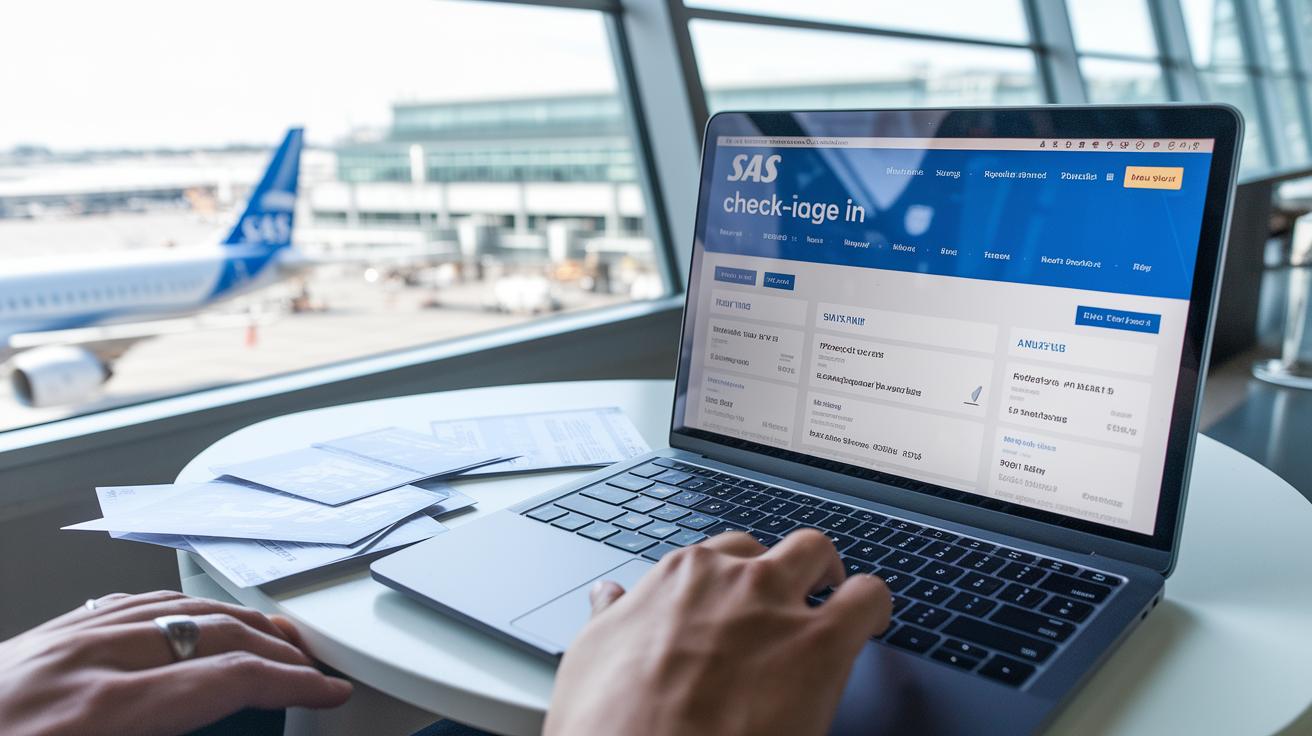
Checking in on the SAS website is fast and straightforward. Just head to flysas.com and click on "Check-in" to start. You can review your flight details, pick or change your seat, and add any necessary checked baggage right there. Make sure you have your six-character booking reference and last name ready.
Online check-in begins 36 hours before your flight and ends 1 hour before departure for European trips or 2 hours before for long-haul flights. This gives you plenty of time to print your boarding pass at home or save it on your device.
Follow these five easy steps to complete your web check-in:
- Go to flysas.com and click on "Check-in."
- Enter your booking reference and last name.
- Check your flight details, choose or change your seat, and add checked baggage if needed.
- Confirm your details and submit your check-in.
- Download the boarding pass PDF or have it emailed so you can print or save it.
Mobile App Check-In for SAS Flights
Using the SAS mobile app is an easy way to check in and manage your flight. First, download the app on your iOS or Android device. Then log in with your EuroBonus account or booking reference. Inside the app, hit the “Check-in” option. Next, choose your passenger profile and flight segment. You can pick your seat, add baggage, and update any details as needed.
After you’ve reviewed your flight information, confirm your choices. Next, tap “Save to Wallet” to load your boarding pass onto Apple Wallet or Google Pay. You can also keep your boarding pass in the app if you prefer. Once downloaded, the digital pass is available offline, letting you show it at the gate without any fuss.
Mobile check-in opens 36 hours before departure. This method helps you avoid long lines and quickly make any changes, ensuring a smooth trip with SAS.
Airport Kiosk and Counter Check-In Procedures
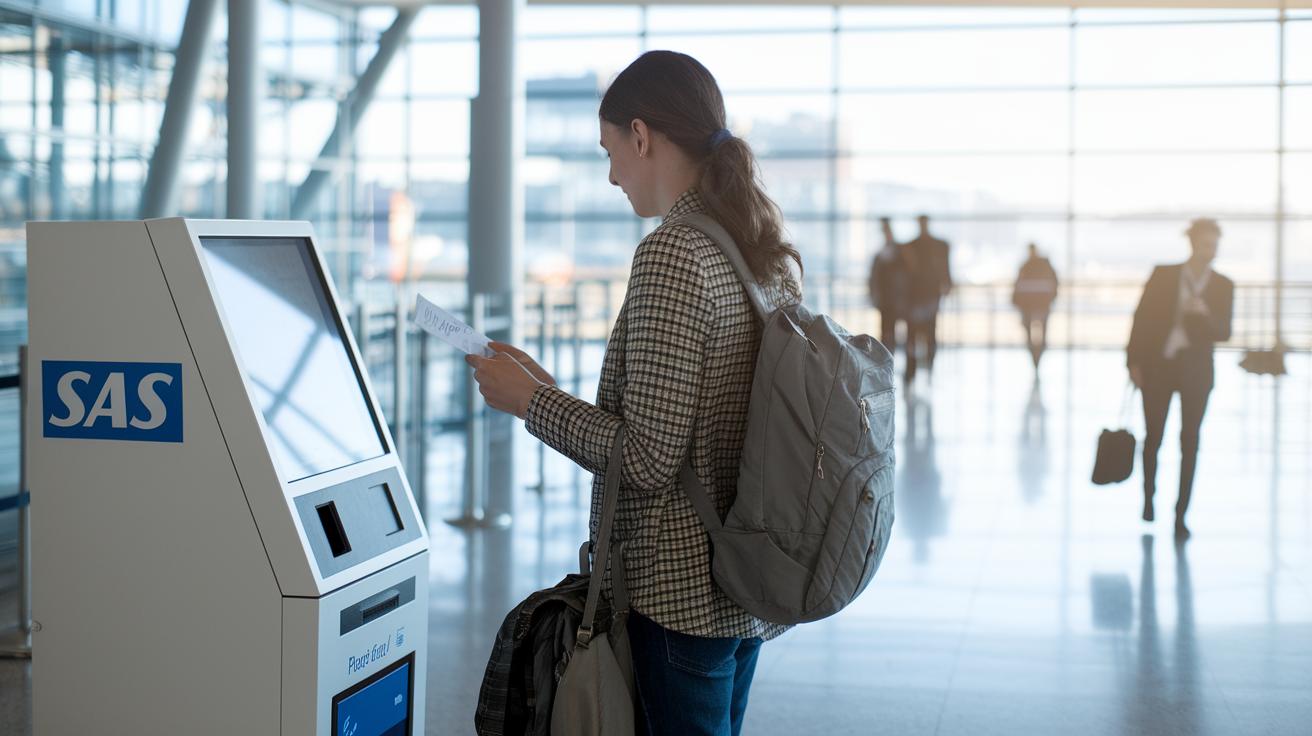
If you're flying from a major SAS airport, you can use self-service kiosks to check in, print your boarding pass, and even bag tags. These kiosks open 2 hours before departure so you can enter your six-character reference or scan your QR code or passport to pull up your booking.
After printing your documents, head over to the designated counter to drop off your tagged baggage. For short-haul flights, this drop-off closes 60 minutes before departure, while for long-haul flights, it stays open until 90 minutes prior to your flight.
If you need personal assistance, visit the traditional check-in counters. They run from 2 hours until 45 minutes before departure and are ready to help with seat changes, extra baggage, or any other special requests.
Be sure to check the terminal kiosk enrollment guide to find your nearest kiosk and use the airport guides (airport guides) for clear directions. For larger hubs, consult the international airport terminal procedures (international airport terminal) to get more details about check-in areas.
| Service Point | Location | Available From |
|---|---|---|
| Self-service Kiosks | Terminal Areas (airport guides) | 2 hours pre-departure |
| Tagged Bag Drop | Baggage Counters | Until 60/90 minutes pre-departure |
| Traditional Counters | Check-in Area (international airport terminal) | 2 hours to 45 minutes pre-departure |
SAS Check-In Deadlines and Timing
We've combined all check-in details from the airport kiosks and counters into one easy-to-read guide. Online and mobile check-in opens 36 hours before your flight. For European flights, you must check in by 1 hour before departure, while long-haul flights require you to check in by 2 hours prior. This is a good time to review your details, pick your seat, and check any extra baggage rules.
Self-service kiosks are available from 2 hours up to 45 minutes before departure. Meanwhile, bag drop counters close 60 minutes prior for short-haul flights and 90 minutes before long-haul flights.
Example: "Imagine checking a clear timeline that lays out each step of your check-in, perfectly matched to your flight schedule."
To avoid any stress, plan to arrive at the airport at least 2 hours before an international departure and 1 hour before a domestic one.
SAS Baggage Check-In and Drop-Off Policies
SAS makes baggage rules simple so you can breeze through check-in. If you’re traveling with SAS Go, you may bring one cabin bag that weighs up to 8 kg and fits within 55×40×23 cm. For SAS Plus or Economy Extra passengers, that same cabin bag is allowed, plus one checked bag weighing no more than 23 kg. This setup lets you pack just what you need and steer clear of unexpected fees.
Extra fees apply if your bag is too heavy or if you have more than the allowed number. Depending on your route, fees run from €25 to €75 per bag, and overweight bags start with a fee of €50. It helps to pre-purchase extra bags on the website or mobile app, which can cut costs by about 20%.
At the airport, you can print and attach your own bag tags at self-service kiosks. Once tagged, simply drop your bags off at the counters set aside for check-in. This handy option speeds things along and helps you avoid delays or extra charges.
Required Travel Documents for SAS Check-In
Before you check in with SAS, make sure your travel documents are in order. If you're flying within the country, you'll need a government-issued photo ID. For trips across the EU or Schengen, either your national ID card or passport works fine. When traveling internationally, your passport must be valid for three months beyond your return, and you may need a visa for your destination.
During online check-in at flysas.com or on the mobile app, non-EU travelers will be asked for their passport details. Some airport kiosks can scan your documents quickly. If that feature isn't available, be ready to show your paper documents at the counter.
Follow these steps at check-in:
- Enter your six-character booking reference and last name.
- Provide the details from your government-issued ID or passport.
- Confirm that all your information is correct.
Getting your documents ready ahead of time makes your check-in smooth and hassle-free.
Troubleshooting SAS Check-In Issues
If you run into problems during online, mobile, or kiosk check-in, start by checking your booking reference. It’s easy to mix up a letter or number, so review your details carefully. You might also want to clear your browser cache or try a different device if you experience issues online.
If you’re using the SAS app, crashes can happen when the app isn’t updated. Make sure to check for updates or reinstall the app if needed. Should your boarding pass fail to download, click the email link again or use the "Save to Wallet" option in the app. These quick fixes can help you stay on track without delays.
When using airport kiosks, if the machine does not respond or shows errors, try another kiosk or head over to a regular check-in counter. And if problems still persist, contact SAS support at any time or use the live chat function in the app for fast assistance.
Following these steps should help you solve check-in problems quickly and ensure a smooth start to your journey.
Final Words
In the action, we explored multiple ways to navigate the SAS check in process. We covered online registration via flysas.com, mobile app check in, and airport kiosk use. The guide breaks down key steps, timing, baggage policies, and required travel documents to help you plan and act quickly. It also offers quick fixes for common issues. With clear instructions for every method, SAS check in becomes a simple task that keeps your travel day smooth and stress-free. Keep these tips handy for a smoother trip.
FAQ
What does SAS check-in online boarding pass mean?
The SAS check-in online boarding pass lets you receive your digital travel document after you’ve completed your check-in on flysas.com or via the mobile app, ready for printing or saving on your device.
What does the SAS check-in app do?
The SAS check-in app allows you to complete your check-in on your smartphone. You can select seats, add baggage, and view your digital boarding pass all in one place.
Why might SAS online check-in not be available?
SAS online check-in may be unavailable if there are technical issues or if your flight requires kiosk or counter check-in. In such cases, use an alternate check-in option or contact support.
How does SAS check in baggage work?
SAS check in baggage lets you add a checked bag when you check in online or via the app. You simply select the baggage option and, if using a kiosk, attach the printed bag tag.
What does SAS check in & boarding pass include?
SAS check in and boarding pass work together so that once you complete your check-in online or via the app, you receive a boarding pass—either digital or printed—to show at the gate.
What defines a SAS boarding pass?
A SAS boarding pass is your travel document that shows your flight details. It can be downloaded digitally or printed after you complete your check-in process.
How is seat selection handled during SAS check in?
During SAS check in, you can choose or change your seat when you review your flight details on flysas.com or the mobile app, ensuring you get the seat you prefer.
What is the SAS check in phone number format?
The SAS check in phone number format usually follows international standards, starting with a plus sign and the country code, which helps confirm your booking details accurately.
How do you do a SAS check-in?
To do a SAS check-in, visit flysas.com or use the SAS app, enter your six-character booking reference with your last name, review your flight details, select your seat and baggage, then confirm to get your boarding pass.
How early can you check-in for SAS flights?
You can check in for SAS flights as early as 36 hours before departure online or via the app, while airport kiosks open 2 hours before departure. Check your flight type for specific timing.
How early can I check-in for Saudia Airlines?
Saudia Airlines generally allows check-in up to 24 hours before departure. It’s best to visit their website for precise check-in times and any specific guidelines they may have.
What happens if you don’t check-in 24 hours before your flight?
If you don’t check-in 24 hours before your flight, you might face delays getting a boarding pass, causing potential issues at the airport. Early check-in helps avoid last-minute complications.