

Worried about checking in for your flight? Southwest makes it fast and simple. Exactly 24 hours before your flight, you just need your six-character booking code and full name. A quick visit to their website or mobile app will provide your boarding group and number, setting you up for an easier time at the gate. This guide walks you through every step so you can secure the best boarding group and choose your seat with ease.
Essential Southwest Boarding Pass Check-In Steps
Southwest check-in starts exactly 24 hours before your flight. To get started, visit southwest.com or use the Southwest mobile app. Type in your six-character booking code along with your full name exactly as it appears on your ticket. For instance, if your confirmation code is AA123B, be sure to enter it just like that.
After you submit your details, the app or website will display your boarding group and number. Southwest seats are open, so you choose your seat when you board. Boarding groups are split into Preboarding, Group A, Group B, and Group C. Travelers who need extra time or special help get to board during Preboarding. Group A, including positions like A1-A15, usually goes to frequent flyers or those who upgrade at check-in. Groups B and C are assigned based on the order you check in.
Once you spot your boarding group, download or save your digital boarding pass. Keep it on your phone or download it as a PDF so you’re ready at the gate. A quick check after clicking “Check In” helps make sure you have everything you need.
Remember, checking in right at the 24‑hour mark could land you in a better boarding group. This means you might get a wider choice of seats when you board. Follow these steps to breeze through check-in and board with ease.
Step-by-Step Online Check-In Procedure for Southwest Boarding Pass
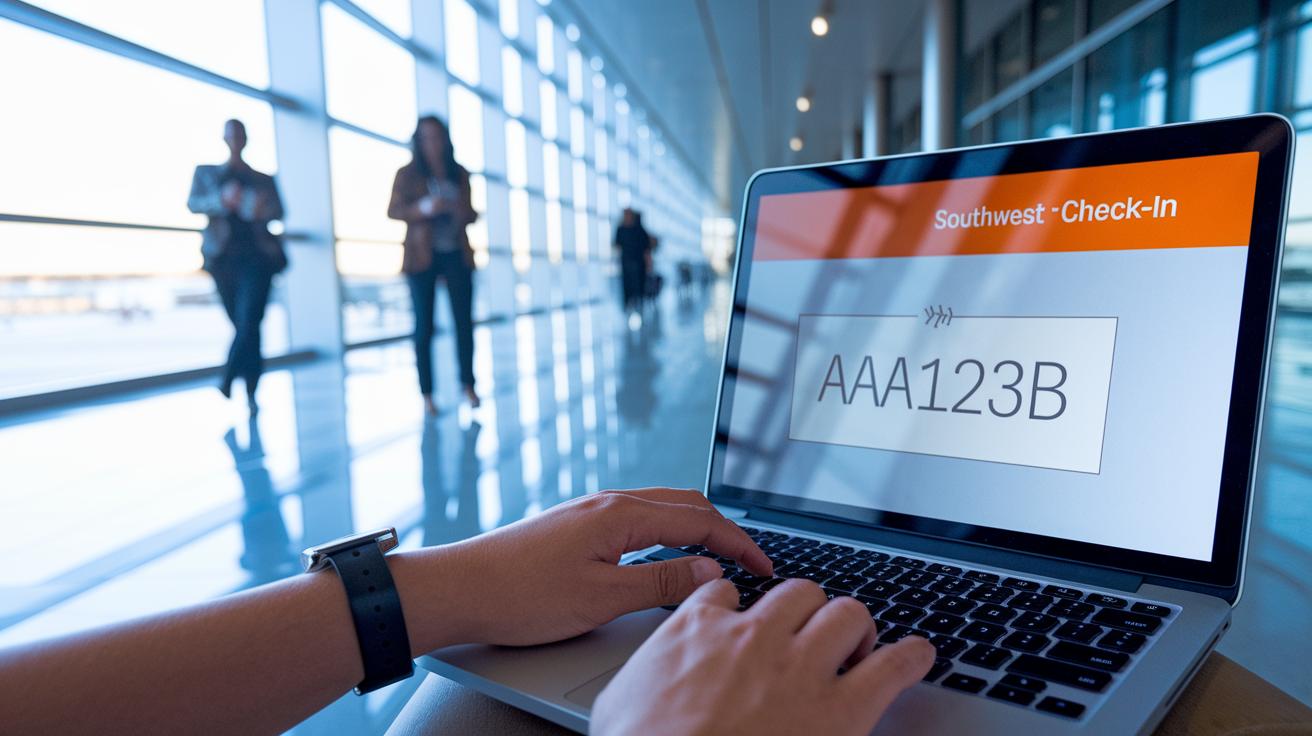
Start by visiting southwest.com/check-in. Enter your six-character confirmation number and your first and last name exactly as shown on your ticket. For example, if your code is AA123B, type it just like that.
Next, select all the passengers included in your reservation and press the Check In button. Right after checking in, you'll see your boarding group number, which is key because it can affect your seating.
Finally, choose how you want to receive your boarding pass. You can download a PDF copy or have it emailed to you. For instance, click the download option to save a PDF to your device, ensuring you have a backup copy.
Using the Southwest Mobile App for Boarding Pass Check-In
Start by downloading the latest Southwest app on your iOS or Android device. Once installed, open the app and sign in with your Rapid Rewards login or by entering your confirmation number exactly as it appears on your ticket. Then, tap on Trips and choose Check In. This action displays a digital boarding pass with a QR code that you will scan at the gate.
Think of it this way: open the app, head to Trips, tap Check In, and your boarding pass shows up right away.
After your boarding pass appears, you have the option to add it to Apple Wallet or Google Pay. This makes it easier to show your pass quickly when you reach the gate.
The app also keeps you updated with real-time flight status and important gate notifications. So if your flight is delayed or there’s any change, you’ll know immediately and can adjust your schedule without extra hassle.
Tips for smooth use:
- Make sure your device has the latest version of the app.
- Check your ticket details carefully before proceeding.
- Keep the boarding pass screen handy as you approach the gate.
Airport Kiosk and Printed Boarding Pass Options at Southwest

When you get to the airport, start by finding a Southwest kiosk. Follow the simple instructions on the screen. You can either scan your government ID barcode or type in your confirmation code exactly as it appears on your ticket (for example, AA123B).
After you enter your details, the kiosk will ask you to choose which passenger needs a boarding pass. Once you pick a name, press the print button and your boarding pass will come out shortly. These kiosks cost nothing to use.
If the kiosk does not print your boarding pass or you run into any other issues, don’t stress. Just go to a Southwest agent at the check-in counter. They can help fix the problem and print a copy for you.
Tips to remember:
| Tip | What to Do |
|---|---|
| Have IDs Ready | Keep your government ID and confirmation code nearby |
| Double-Check Details | Make sure the information on your ticket is exactly correct |
| Seek Help Fast | If the kiosk malfunctions, find an agent right away |
For example, type your confirmation number AA123B exactly as shown, select your name, and hit print. It’s a quick and hassle-free way to be ready for your flight.
Understanding Check-In Timing and EarlyBird Benefits for Southwest Boarding Pass
You can check in exactly 24 hours before your flight on both the Southwest website and mobile app. This is when you secure your spot and get your boarding pass. The earlier you check in, the better your boarding group might be.
EarlyBird Check-In lets you check in automatically up to 36 hours before departure. This service costs between $15 and $25 per flight. It can improve your boarding position but does not promise a Group A seat. One traveler said, "I opted for EarlyBird and ended up in Group B, but I still got a decent seat once aboard."
Here are a few tips:
- Mark your calendar and check in exactly 24 hours before departure.
- Try EarlyBird if you want a boost in boarding priority.
- Compare the fee with the benefit of possibly boarding earlier.
Understanding these check-in times and options can help you plan better and avoid a last-minute rush at the gate.
Troubleshooting Common Southwest Boarding Pass Check-In Issues
If you're having trouble checking in, try a few simple fixes. Sometimes, problems with logging in can be solved by resetting your password or clearing your app's cache. This quick step often fixes errors that stop you from accessing your account.
If your confirmation number isn’t working, carefully re-check the spelling or grab it from your reservation email. Many times, these check-in hiccups happen because of a small typo or using the wrong code.
Having issues with the kiosk not printing your pass? Try selecting the print option again. If it still doesn't work, visit a Southwest agent at the check-in counter for help with printing your boarding pass.
If the app crashes, try reinstalling it from your device's app store or use the mobile website to check in. These actions often clear up any loading issues or crashes you might face.
Keep these tips in mind when you hit check-in snags. They can help you get sorted quickly so you can be on your way to your gate without any extra stress.
Managing Group and Family Boarding in Southwest Check-In
When you travel with a group or as a family, checking in together makes a big difference. Make sure everyone uses the same confirmation number and finishes check‑in within the 24‑hour window. This way, Southwest keeps your boarding groups close so you can easily sit near each other on the plane.
Families with a child aged 6 or younger get a special benefit. They board right after Group A no matter what boarding number they have. Just mention your child’s age during check‑in to take advantage of this perk.
You can check in using the Southwest mobile app or at an airport kiosk. If one person checks in on a phone and another uses a kiosk, try to do it at roughly the same time so your boarding spots stay together.
Tips for smooth group check‑in:
| Tip | Description |
|---|---|
| Same Confirmation | Use one confirmation number for everyone in the group. |
| Coordinate Timing | Check in at the same time to keep your boarding positions next to each other. |
| Verify Details | Make sure every traveler’s details match the booking exactly. |
Final Words
In the action, this guide broke down the steps for a smooth check in. It explained how to check in online through southwest.com and the mobile app, use kiosks, and even manage group travel. We covered the details of EarlyBird Check-In and how to tackle common issues. Each step is designed to boost confidence and make every flight run smoother.
Follow these tips for a reliable southwest boarding pass check in experience, and enjoy a less stressful flight day.
FAQ
Q: What is the check-in time for my Southwest boarding pass?
A: The check-in time for a Southwest boarding pass starts exactly 24 hours before your flight’s departure. This timing allows you to secure your boarding group and get a digital or printed boarding pass.
Q: How do I check in on Southwest?
A: Checking in on Southwest means entering your six-character confirmation number and name on southwest.com or the mobile app. The process confirms your details, assigns your boarding group, and lets you access your boarding pass.
Q: How can I use the Southwest mobile app to check in?
A: Using the Southwest mobile app for check in means downloading the latest version, signing in with your Rapid Rewards or confirmation number, and tapping “Trips” then “Check In” to retrieve your digital boarding pass with a QR code.
Q: How do I use my confirmation number for check in?
A: Using your confirmation number means entering the unique six-character code provided at booking along with your name. This verifies your reservation and begins the check-in process on the website or app.
Q: What does the baggage allowance cover during Southwest check in?
A: The baggage allowance when checking in on Southwest refers to their free two-bag policy. You can review your baggage details during check in, ensuring you know which bags are eligible for free transport.
Q: How can I print my Southwest boarding pass?
A: To print your Southwest boarding pass, finish your check in online or at an airport kiosk. After confirming your details, select the print option to receive a paper copy before you head to your flight.
Q: Can I use my phone as a boarding pass for Southwest flights?
A: Yes, using your phone as a boarding pass is possible on Southwest. The mobile app displays a digital boarding pass that you can show at the gate or add to your Apple Wallet or Google Pay.
Q: When exactly can I check in for my Southwest flight?
A: You can check in exactly 24 hours before your flight departs. Southwest also offers EarlyBird Check-In for a fee, letting you check in up to 36 hours before departure to improve your boarding position.