

Ever worry your flight might leave you without power when you need it most? A quick look at your booking details can help you spot a seat with a power outlet. This guide shows you how to plan ahead. You can check seat maps online or ask a gate agent for help. With these tips, you can keep your devices charged wherever you go. Ready to power up your trip? Let's dive in.
Step-by-Step Access to Inflight Power Outlets
Before you pack your bags, take a look at your booking confirmation or the airline’s official list of seat amenities. This simple check lets you know if your seat comes with a power outlet. For example, if your confirmation mentions “power available,” you might have a USB-A port in economy or even AC power in a premium seat.
It helps to review your ticket details and browse the airline’s website before you leave for the airport. This quick check can save you time and needless worry once you board.
Next, use online tools to find exactly where the power outlet is on your plane. Websites often show seat maps with outlet locations marked by cabin and row. Tools like SeatGuru work great for this purpose. One traveler even said, "I checked my seat map and saw that row 12 has a USB-A outlet right next to my seat." You can also learn more about aviation technology here: aviation technology.
When you reach the gate, don’t hesitate to ask a gate agent if there have been any last-minute changes. Airplane layouts can vary, and the gate staff might know if extra outlets have been added recently. A quick question like, "Do you know if this flight has in-seat power?" might help you decide on a better seat.
Keep in mind that business and first-class cabins usually have both AC and USB-C ports. In economy, you might only find a USB-A port, or sometimes no outlet at all. So, if you plan to charge a laptop or other larger device, it pays to double-check.
Finally, pack a backup power bank along with the right cables. That way, even if the outlet doesn’t work as expected, you won’t miss an important call or your favorite show.
Common Inflight Power Outlet Locations by Aircraft
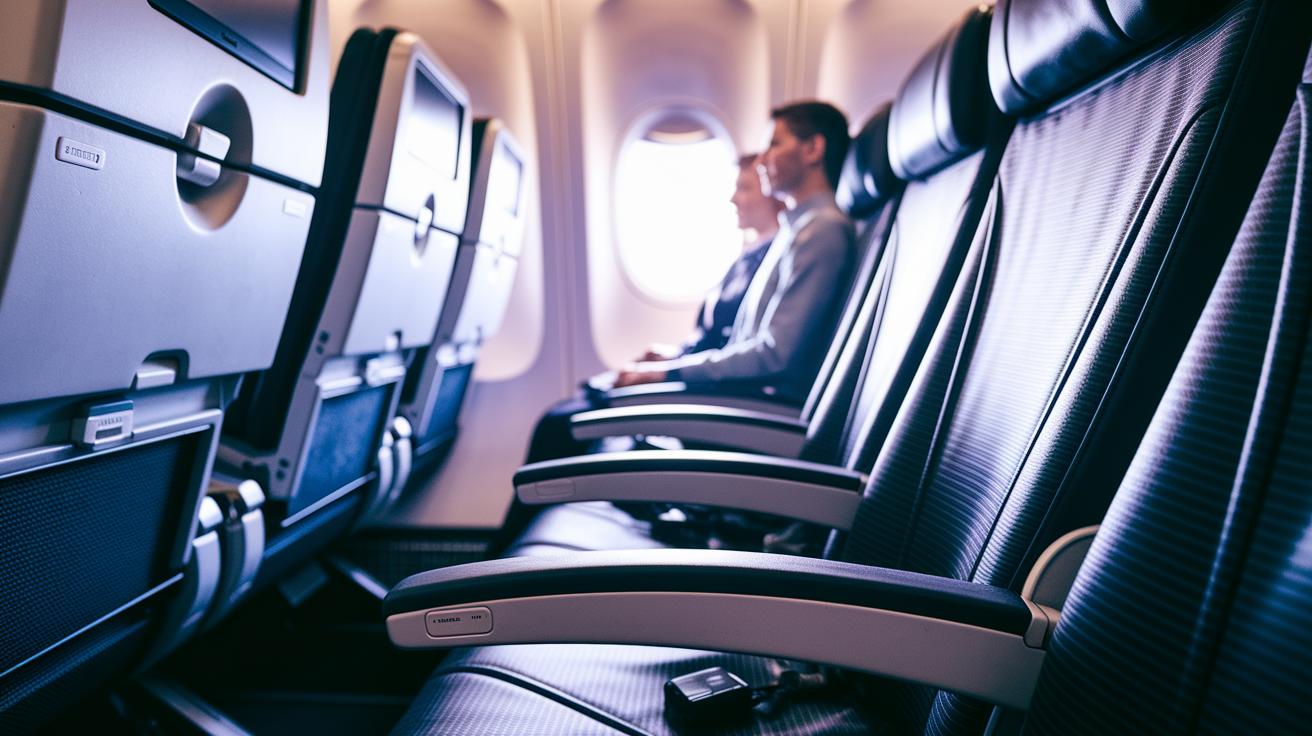
Under-seat AC outlets are usually found in business-class rows or in select front seats of economy. In premium cabins, these outlets sit neatly under your seat and let you power up larger gadgets without extra mess. One traveler mentioned that having an outlet right below their seat was a real lifesaver on a long journey.
Many Airbus A320/A321 and Boeing 737 Next Gen aircraft offer seat-back USB-A ports. This simple setup lets you charge your smartphone or tablet without bulky plugs getting in the way. Passengers often say the USB port in the seatback makes charging effortless.
Look around the bulkhead or exit rows, where you may find universal modules that mix AC, USB-A, and sometimes USB-C ports. These setups work well when you need to charge more than one device at once. Taking a moment to check these areas might reveal extra power options you didn’t notice at first.
On some regional jets like the Embraer E-175 and various CRJ models, power outlets might be missing or include only low-power USB options. Such configurations can be a problem if you rely on charging power-hungry devices. It’s a good idea to verify the aircraft type or review the seat map before you book.
Taking a closer look at these spots can help you plan ahead and keep your devices charged during your flight.
Airline-Specific Access Policies for Inflight Power Outlets
Delta Air Lines offers different power options depending on your seat. In Delta One and some premium cabins, you’ll find AC outlets that let you charge high-power devices like laptops. In economy, you usually get USB-A ports for more basic gadgets.
American Airlines mostly uses USB-A ports throughout its planes. However, if you’re in business class on planes like the A321T or A350, you can use AC outlets for devices that need more juice. That means your charging setup might differ if you’re traveling economy or premium.
United Airlines uses a mix of charging options. In its long-haul Polaris cabins, you can use AC and USB-C outlets for a variety of devices. On many newer 737 MAX flights in economy, passengers typically have access to USB-A ports. Just remember that some regional jets might not have any power outlets at all.
Southwest Airlines sticks with USB-A ports for every seat. If you’re flying Southwest, plan ahead by bringing extra power accessories or a portable charger for your devices.
Device Compatibility and Adapter Guide for Inflight Power Outlets
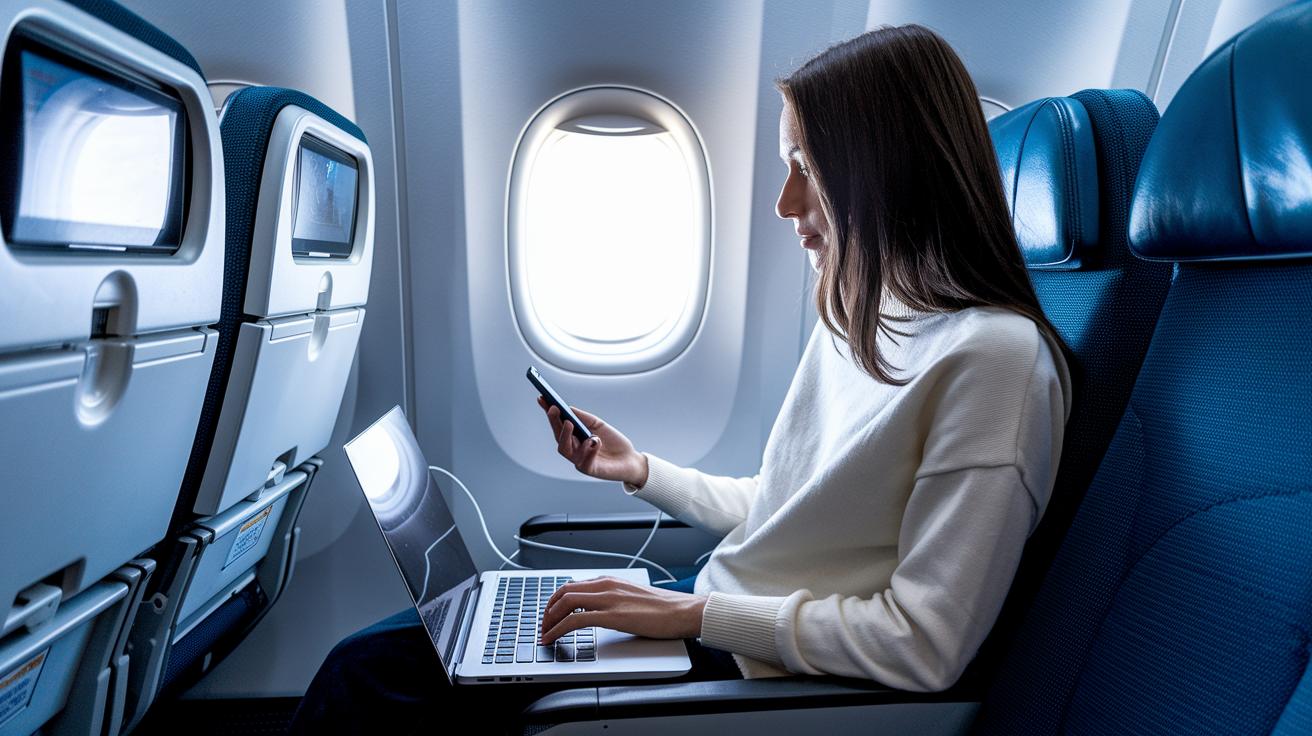
Many flights come with AC outlets that supply 110 V/60 Hz and up to around 75 W. This means if your laptop or gadget needs more than roughly 60 W, it might charge slowly or not at all. For example, a laptop made for 65 W may not charge as quickly using these outlets.
Most USB-A ports offer 5 V/2.1 A, which is great for smartphones and smaller devices. Some flights now have USB-C ports that support up to 18 W of power delivery (PD), giving a bit more boost for tablets and other power-hungry gadgets.
On international flights, the AC sockets might be made for countries like Germany or the United Kingdom. You might need a DE/UK travel adapter to plug in your device correctly.
Also, keep TSA rules in mind. Battery packs under 100 Wh are allowed in carry-on bags, but if your pack is over 100 Wh, you will need to get airline approval. Plan ahead so your electronic essentials stay powered up during your flight.
Troubleshooting Common Inflight Power Outlet Issues
If your phone or tablet isn't charging on your flight, start by testing the outlet with a small device. Plug in your phone before trying your laptop to make sure the port works.
Sometimes the outlet won't supply power until you flip a little switch or see a tiny light come on. Look around the outlet for a control button or a small indicator light. One traveler mentioned, "I forgot to press the button, and my tablet wouldn't charge until I did."
If nothing happens, ask a flight attendant for help. They can reset the seat circuits or show you another available outlet. This quick check might be all you need to get back to charging.
Finally, inspect your cables and connectors. A bend or some debris might stop your device from getting a good connection. Small issues like these can sometimes lead to big charging problems.
Maximizing Inflight Power Use: Tips and Best Practices
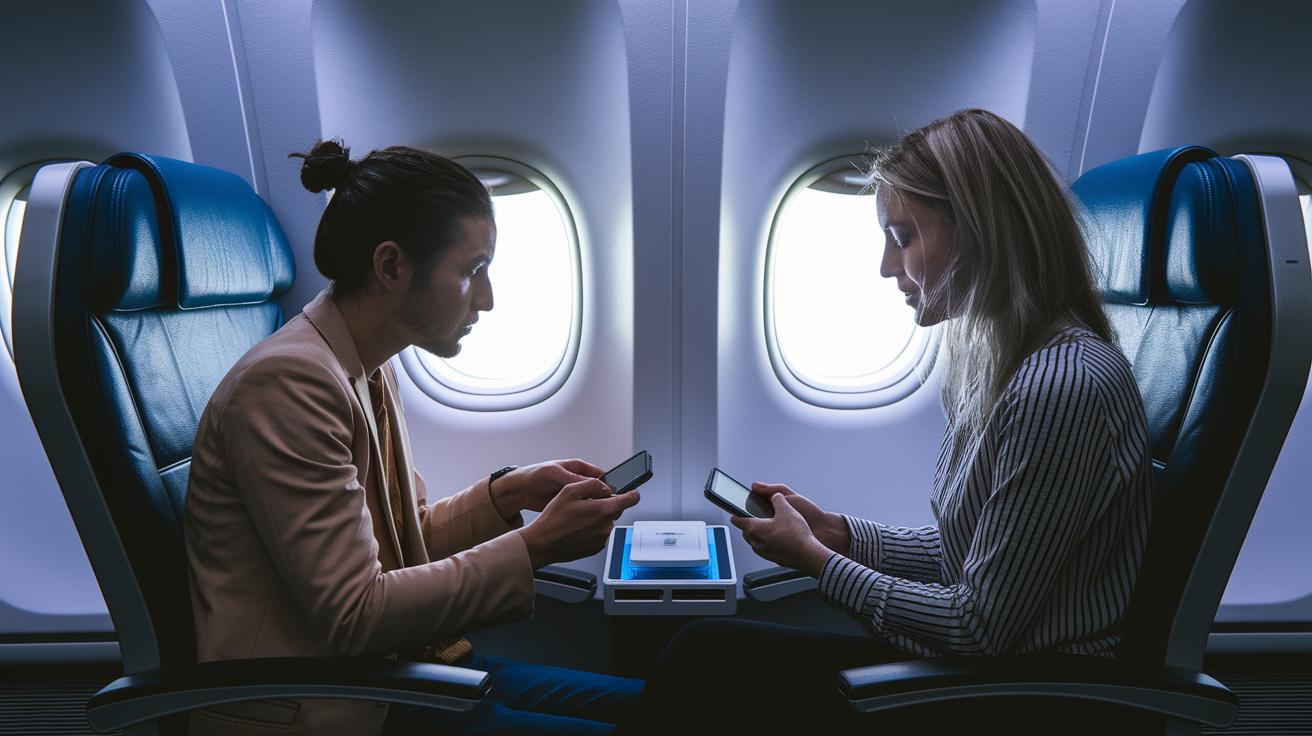
Before you board, make sure all your devices are fully charged. It’s smart to pack a portable power bank (50–100 Wh) in your carry-on so you won’t run out of juice mid-flight.
Once onboard, switch to airplane mode, dim your screen, and close any apps you’re not using. These small adjustments can make a big difference in how long your battery lasts. One traveler mentioned that this simple trick helped save precious battery life for his entire journey.
If you’re juggling more than one device, a multiport USB-C hub is a great tool. It lets you plug in your laptop, phone, and headset using just one outlet, reducing cable clutter.
Keep your charging cables in a small pouch under your seat for easy access, and bring along dual-tip USB-A/USB-C cables to handle different charging ports. When you can, reserve a seat in cabins that offer AC power, especially on long flights, to make sure you always have a reliable charging option. Plus, upcoming in-flight tech might offer even more convenient ways to charge your gadgets.
Final Words
In the action of planning your flight, we detailed quick steps to check seat amenities and use digital tools to locate power outlets. We discussed airline-specific policies and shared tips to verify outlet functionality.
We also offered practical advice on device compatibility and smart charging techniques. Each suggestion aims to reduce travel stress and keep your devices ready for use.
Use this guide to learn how to access inflight power outlets on flights and keep your travel plans running smoothly.
FAQ
Q: How do I access inflight power outlets on major airlines?
A: Accessing inflight power outlets on airlines such as United, Delta, American Airlines, and international carriers involves checking your booking confirmation or the airline’s seat-amenities guide. You can also ask gate agents or cabin crew for the latest outlet locations.
Q: How can I get WiFi on a plane, including free options?
A: Getting WiFi on a plane, even for free, means reviewing your airline’s service details or promotions. Some travelers use sites like Aainflight.com to learn about complimentary or trial onboard WiFi offerings before their flight.
Q: Where can I find charging ports and plug in my devices on a plane?
A: Finding charging ports on a plane means looking in common areas like under-seat consoles, seatbacks, or bulkhead panels. Some outlets may require activation via a switch, so don’t hesitate to ask the cabin crew if you need assistance.