

Ever wonder why your airport Wi‑Fi sometimes gets you online in seconds while other times it drags? Reliable internet can make your journey a lot smoother. Imagine surfing safely and quickly without delays or the risk of unsafe connections.
This guide shows you a few simple steps to connect to official airport Wi‑Fi. Follow these tips, and you can work, stream, or play without any worry, no matter which terminal you’re in.
How to Connect to Reliable Airport Wi-Fi Services
When you're waiting for your flight, the best way to get online is by using the airport's official Wi-Fi. Major hubs like San Francisco (SFO) and Los Angeles (LAX) set up a welcome page that asks you to agree to some simple terms, so you know you’re on the right network. For example, Baiyun Airport lets you log in with either an SMS code or your social media account. This method helps you avoid fake networks with misleading names like “Free Airport Wi-Fi.”
-
Check the official signs or ask staff for the exact network name (SSID). Look near terminal entrances to be sure you have the correct one.
-
Open your web browser. The welcome page should pop up automatically when you connect.
-
Choose the right way to sign in, either by SMS code or social media, as the airport provides.
-
Read and accept the terms of service on the welcome page to complete the process.
-
Turn on your VPN before you start sending any data. A VPN encrypts (hides) your online activity to protect your private information.
-
Hold off on sensitive tasks like online banking or logging into important accounts until you leave the public network.
Evaluating Reliable Airport Wi-Fi: Performance Comparison of Major Hubs

| Airport | Median Download (Mbps) | Latency (ms) | Wi-Fi Standard | Price Model |
|---|---|---|---|---|
| Hartsfield-Jackson International | 100+ | <30 | Wi-Fi 6 | Free & Paid |
| San Francisco International | 85 | 35 | Standard | Free |
| Los Angeles International | 70 | 40 | Standard | Free |
| Chicago O’Hare | 60 | 45 | Standard | Free |
| Mexico City International | 5.11 | 80 | Older Generation | Free/Paid Options |
We compared a few major airports to see how well their Wi-Fi works. The table above shows key numbers like download speeds, delays, the Wi-Fi type, and whether you get free or paid access.
Airports that use the latest Wi-Fi 6, such as Hartsfield-Jackson International, tend to offer quicker downloads and very low delays. This matters when you need to check emails or stream videos fast. Often, the paid services give an extra boost in speed, especially when lots of people are connected at the same time.
On the other hand, airports with standard or older Wi-Fi setups usually show slower speeds and higher delays, especially during busy times. These findings make it clear that modern upgrades can really change your experience. Depending on your needs and if you’re ready to spend a bit more, you can choose the option that fits you best.
Securing Airport Wi-Fi: Best Protective Practices
Before you start browsing, turn on your VPN. It scrambles your data so others can’t see what you do online, much like locking your information in a secure envelope.
Double-check the network by looking for the correct name on official signs or asking airport staff. Matching the exact network name helps you avoid fake setups that can steal your data.
Skip sensitive tasks like bank log-ins or entering your PIN on public networks. Save those actions for a safe, private connection.
Keep your device secure by updating your operating system and antivirus programs regularly. These updates patch weak spots, just as you’d replace an old lock on your door.
Troubleshooting Unstable Airport Wi-Fi Connections
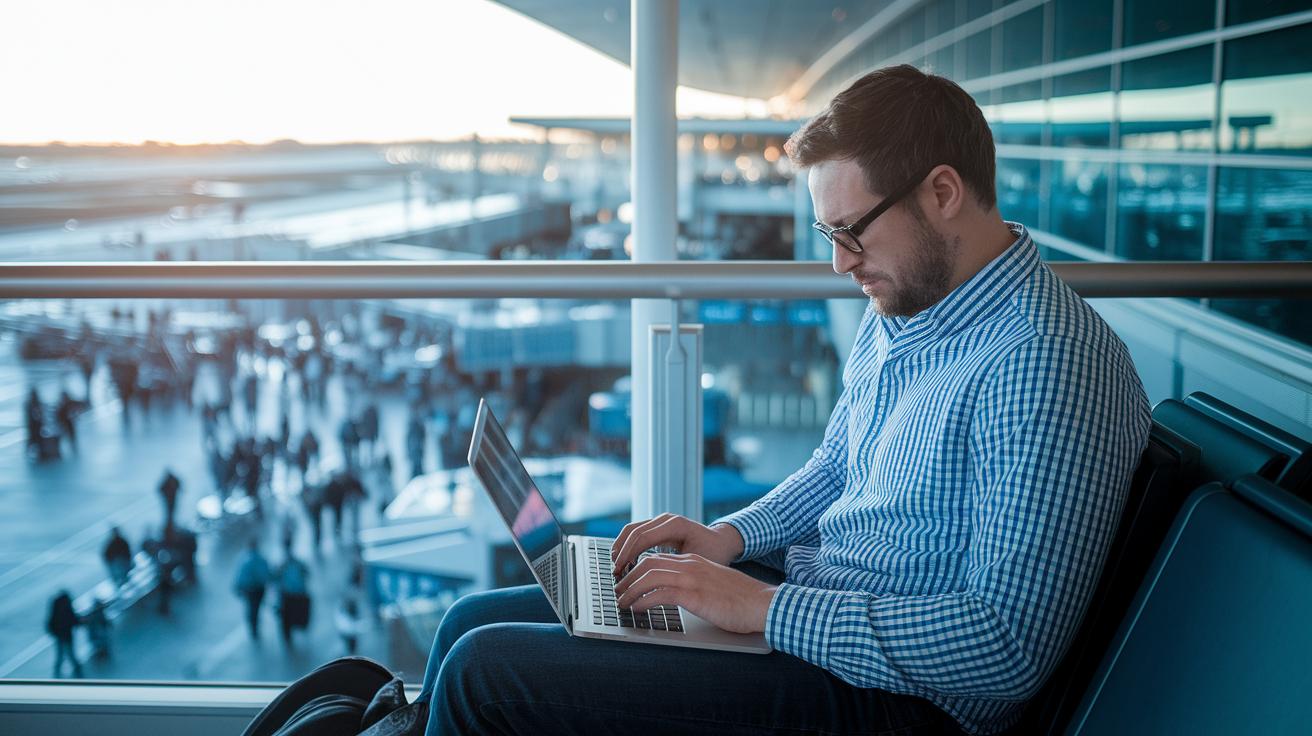
Airports often get busy during rush hours. Between 6–9 a.m. and 4–7 p.m., too many devices can slow down the Wi‑Fi or even drop your connection. Some networks also use time limits or slow speeds on purpose, which means your connection might stop working when you need it most. Knowing when these issues happen can help you plan your online tasks better or expect slower speeds when the airport is packed.
Sometimes, the problem is on your end. Switching your device from a 2.4 GHz band to a 5 GHz band can help clear up interference. The 5 GHz band usually works better in crowded spots. If that doesn’t do the trick, try restarting your device or choose the “forget” option in your network settings before joining again. These steps clear out old settings that could be causing a slow or spotty connection.
Where you stand matters too. Moving a little closer to the gate-area routers can really boost your signal. Even a short walk to a spot with fewer walls or obstructions could mean a much faster and steadier connection.
Advanced Tips for Maximized Throughput on Airport Wi-Fi
Switch to the 5 GHz band for a faster and clearer connection. This can cut network interference in half, so you can stream videos without the usual buffering.
Close any background apps and turn off auto-updates while you travel. This simple change can free up around 30% more bandwidth for your browsing. Using an ad blocker can also save data by stopping unnecessary downloads.
Plan to go online during off-peak times. When fewer people are using the network, you might see delays drop by about 20 milliseconds. This makes email and video calls run smoother.
Keep a personal hotspot handy as a backup. If the airport Wi-Fi gets unstable, you can quickly switch over to stay connected.
Premium and Third-Party Services for Reliable Airport Wi-Fi

Airport Premium Passes
Many busy U.S. airports now offer a daily premium pass for about $10–$15. This pass gives you 24 hours of fast internet, often with speeds above 100 Mbps. You can buy it through the airport’s login page. After you agree to a few terms, you might see an upgrade option that delivers faster speeds even when many people are online.
Boingo and iPass Subscriptions
Boingo covers more than 1,000 airports around the world, making it great for frequent flyers. Meanwhile, iPass offers plans for business travelers, giving them global access. Both services have a simple signup process and offer monthly payment plans. Check the coverage maps to pick the plan that works best for your travel schedule and locations.
Portable Hotspot Rentals
When airport networks get crowded, a portable hotspot rental can be a lifesaver. These rentals usually start at about $8 a day and come with unlimited data. You’ll often find rental kiosks right inside the terminal, so you can grab a personal hotspot without any delay.
Wi-Fi 6 Lounge Access
Some airports now offer Wi-Fi 6 lounge zones for around $20 a day. These areas make your connection more stable and help reduce slowdowns when lots of people are online. They are ideal for streaming videos or working on the go.
Final Words
In the action, this post covered the steps for connecting to reliable airport Wi-Fi. It explained verifying SSID names, triggering the captive page, choosing your login method, and using a VPN to protect your data.
We shared tips on solving weak signals and managing interference during busy times. Premium options were also highlighted to boost your connection. Follow these clear steps to enjoy dependable, secure airport Wi-Fi and make your travel experience smoother and stress-free.
FAQ
Q: How can I access in-flight internet if free Wi-Fi is not available or if the plane lacks traditional Wi-Fi?
A: The answer is that options depend on the airline. Some airlines offer free basic internet or messaging services, while on flights without Wi-Fi, connectivity simply isn’t available.
Q: Do international airports have Wi-Fi?
A: The answer is that most international airports provide complimentary Wi-Fi. Travelers should look for the official network names shown on airport signage or confirmed by staff.
Q: Is Wi-Fi available on Qatar Airways flights?
A: The answer is that Qatar Airways offers in-flight Wi-Fi options. These may include free basic messaging or paid packages, letting passengers browse and stay connected at altitude.
Q: Which airlines offer Wi-Fi on international flights?
A: The answer is that many major airlines—such as Qatar Airways, British Airways, and Delta—provide Wi-Fi on international flights with options ranging from free services to enhanced, paid packages.
Q: Can I use Wi-Fi on airplane mode while on a cruise ship?
A: The answer is that when you enable airplane mode on a cruise ship, you can still connect to the onboard Wi-Fi network. This allows you to browse without interference from cellular signals.
Q: How do I use the internet while in flight?
A: The answer is that using in-flight internet usually means connecting to the onboard Wi-Fi, opening your browser to trigger the captive portal, and then following the prompts to select a service plan.
Q: Does Ryanair offer Wi-Fi on its planes?
A: The answer is that Ryanair offers Wi-Fi on some flights, providing limited access for messaging and browsing. Service availability can vary by flight and aircraft type.
Q: How reliable is airport Wi-Fi?
A: The answer is that airport Wi-Fi reliability varies. It helps to use networks whose names match official signage, use a VPN for protection, and avoid sensitive activities until you’re off the network.
Q: How do I trigger a Wi-Fi login page on public networks?
A: The answer is that you can trigger the login page by opening a web browser and navigating to a site, which prompts the network’s captive portal to load the login page.
Q: Which airline is known for having the most reliable Wi-Fi?
A: The answer is that airlines like Qatar Airways and Delta are often noted for their reliable connectivity, though performance can vary with service conditions and aircraft.
Q: Does aluminum foil really boost Wi-Fi?
A: The answer is that aluminum foil does not boost Wi-Fi. In fact, it can block or interfere with radio signals instead of improving the connection.