

Ever wonder why some travelers zip through the airport while others get stuck in long lines? Online check-in might be the trick you need to make your travel day less stressful.
With online check-in, you can easily pick your seat, breeze past long security lines, and even snag some upgrades without extra hassle. This simple, organized process can help you reach your destination faster and with fewer hassles.
Give it a try on your next trip and see how a few quick steps can change your entire travel experience.
Streamlined Step-By-Step Workflow for Online Flight Check-In
Start your check-in about 24 hours before your flight by visiting your airline’s website or using their mobile app. Some international flights let you check in up to 48 hours ahead, so check your airline’s rules early.
Follow these steps:
- Enter your name and booking code. For example, you might type "Jane Smith" with booking reference 1A2B3C and then see a clear seat map.
- Choose the seat you prefer from the options shown.
- Add any upgrades or extra baggage you need. If you’re traveling with only a carry-on, you can head straight to security. If you have checked luggage, plan to use the bag-drop counter.
- Enter your TSA PreCheck or Known Traveler Number (if you have one) to speed through security.
- Download or print your boarding pass, or save it in your mobile wallet for quick access.
Once you finish these steps, your check-in is complete. Remember, check-in generally closes 45 to 90 minutes before takeoff, with the exact time depending on whether your route is domestic or international.
Following these steps can shorten your wait time at the airport and make your travel day less stressful.
Platform-Specific Online Flight Check-In Tips and Tutorials
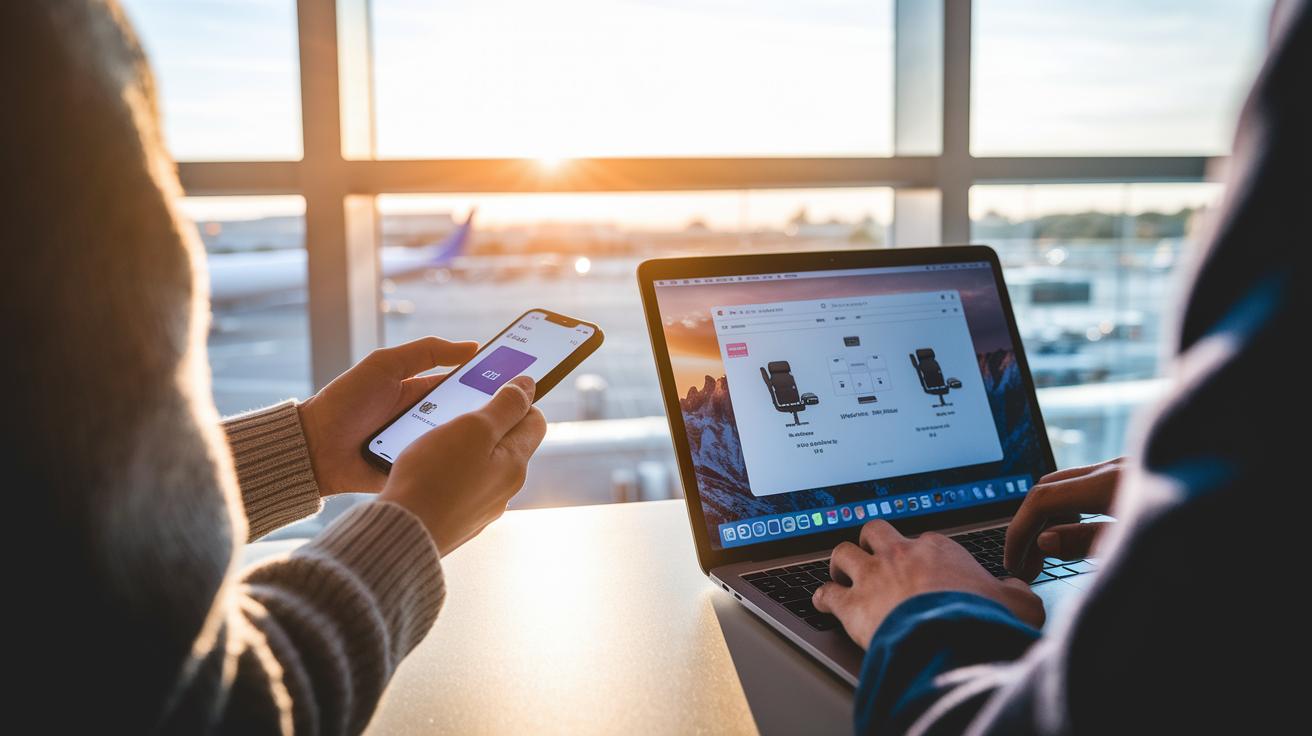
Airlines give you different check-in experiences depending on whether you use a mobile app or a website. Mobile apps deliver your boarding pass straight to Apple Wallet or Google Wallet and send handy push alerts. For example, you might get a "Tap to add your pass" message that walks you through the process.
On the other hand, airline websites show large, clear seat maps that make it a breeze to pick a seat or see upgrade options. Desktop sites also let you review extra details before you confirm any changes.
Sometimes, apps ask for a little extra on international trips. You might need to upload a passport photo or visa document to verify your travel details before you hit the airport. And if you’re flying budget or with a basic economy fare, you might not be able to pick your seat online, you could be asked to use a kiosk or visit a counter.
| Mobile App Check-In | Desktop Website Check-In |
|---|---|
| Fast boarding pass delivery to digital wallets | Larger, clear seat maps |
| Push notifications for timely updates | Smoother process for selecting upgrades |
| May require a passport or visa photo upload | Better display for detailed travel options |
For more details on checking in via your browser, check out the "klm check in" guide. And for mobile check-in tips, see the "sas check in" tutorial.
Timing Windows and Airline-Specific Check-In Schedules
Airline check-in times follow a clear schedule that helps you plan your trip. For most domestic flights, check-in opens 24 hours before departure. For international flights, you may be able to check in 30 to 48 hours ahead, depending on the airline. Usually, check-in ends between 45 and 90 minutes before your flight, though some international flights may stop even earlier.
Knowing your airline’s check-in window can make travel less stressful and help you choose a good seat. For example, if you’re flying with American Airlines, you can usually start checking in the day before and complete the process at the airport. If you’re flying Emirates, be sure to start 48 hours ahead. These details let you adjust your plans and avoid any last-minute rush.
Below is a table showing the check-in times for ten popular airlines:
| Airline | Domestic Check-In | International Check-In |
|---|---|---|
| American Airlines | 24 h – 45 m | 24 h – 2 h |
| Delta Air Lines | 24 h – 60 m | 24 h – 60 m |
| United Airlines | 24 h – 45 m | 24 h – 60 m |
| Southwest Airlines | 24 h – 1 h | N/A |
| JetBlue Airways | 24 h – 45 m | 24 h – 60 m |
| British Airways | 24 h – 90 m | 24 h – 90 m |
| Air Canada | 24 h – 60 m | 24 h – 60 m |
| Lufthansa | 24 h – 20 m | 24 h – 30 m |
| Emirates | N/A | 48 h – 90 m |
| Singapore Airlines | N/A | 48 h – 60 m |
Each airline uses a set timeline so you have enough time to sort out seating changes or upgrades. Checking in as soon as you can helps avoid issues with seat selection or any unexpected problems later. Keep these schedules handy when planning your next flight to save time and ease travel day worries.
Required Documents and Validation Rules for Online Flight Check-In

When you check in online for an international flight, you'll need to upload or enter your passport and visa details. Without this information, the check-in process can be blocked. For example, if you’re booking a trip to India, have digital copies of your passport and any required visas ready.
Also, make sure your TSA PreCheck or Known Traveler Number is already saved in your airline profile. This step makes sure your expedited screening status shows on your boarding pass. If you have TSA PreCheck, update your account before you start checking in to avoid delays at the airport.
Some routes, especially those under visa-waiver programs, require you to verify your documents in person. This means you might not be able to choose your seat or get an electronic boarding pass until you visit the check-in counter.
Follow these tips to avoid any check-in issues. Always review your airline’s document requirements well in advance to keep travel stress to a minimum.
ultimate guide to online flight check-in: smooth ride
Online check-in can really simplify your airport experience. It lets you avoid long lines and jump ahead when boarding. Plus, by logging in as soon as the window opens, you may score a seat you really like.
Paying your baggage fees online can also save you money. This option often costs less than paying at the airport. It also lets you add important details like TSA PreCheck (a program that speeds up security) or loyalty info, so you get all your benefits without a hitch.
There are a few catches, though. With basic economy or certain low-fare tickets, you might not have the choice to pick a seat online and may need a printed boarding pass from a kiosk. Budget airlines, in particular, follow these rules strictly.
To keep things smooth on your journey:
- Check in as soon as possible
- Preload your TSA or loyalty information
- Add your boarding pass to your mobile wallet
- Confirm bag-drop cutoff times
Troubleshooting Common Issues During Online Flight Check-In
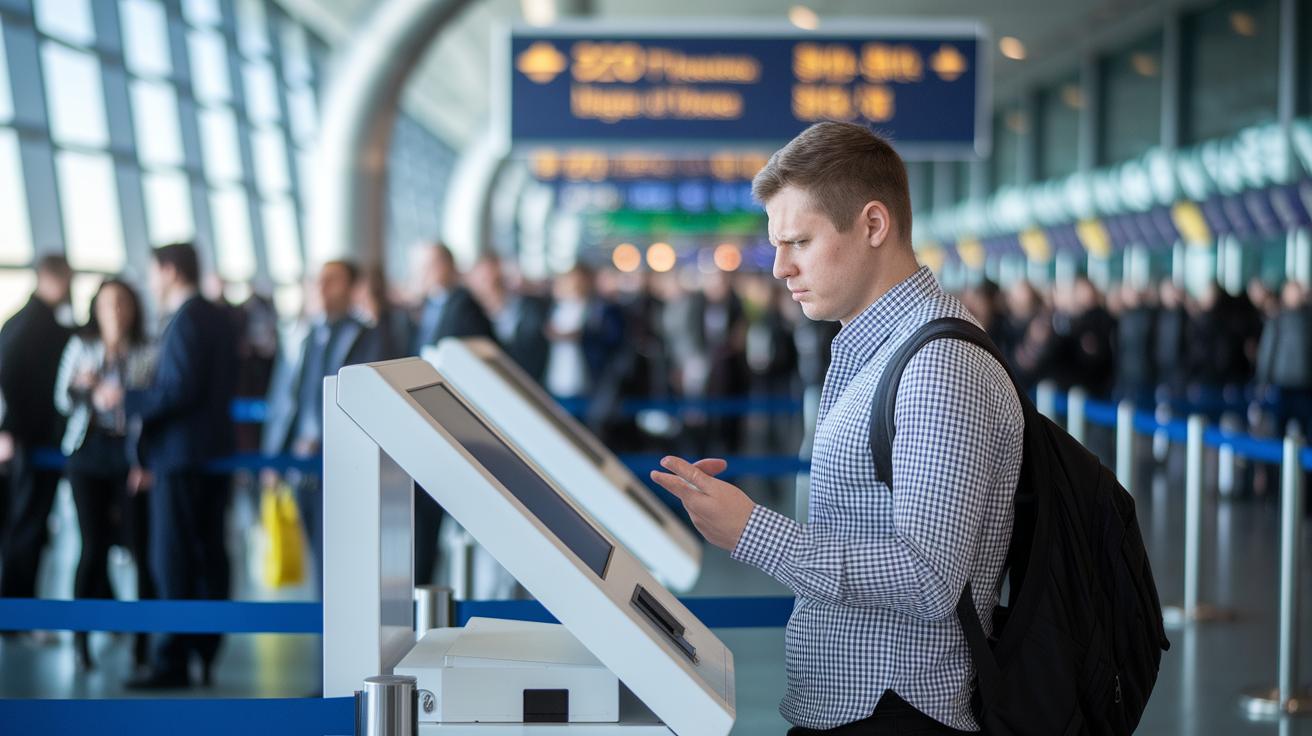
Online check-in problems can catch even experienced travelers off-guard. Sometimes, errors pop up when trying to select a seat. This often happens if you booked a basic-economy fare or if the seat map is locked. In these cases, the fare might not include online seat selection, and you may need to check in at the counter.
Another hiccup occurs when your TSA PreCheck benefits are missing. If your Known Traveler Number isn’t saved in your profile, your boarding pass might not show expedited screening. A quick update to your profile before you check in can save you time and stress.
You might also see a "check-in unavailable" message. This can happen if a route requires you to verify documents in person or if you try to check in after the allowed time. Sometimes, browser cache problems, an outdated app, or network issues can block the process.
Here are some quick fixes:
- Clear your browser cache
- Update your mobile app
- Try using a different device
Following these steps and keeping a digital travel checklist handy can help smooth out the glitch and keep your boarding process on track.
Managing Boarding Passes and Airport Arrival After Online Check-In
After you've checked in online, it's time to secure your boarding pass and plan your trip to the airport. Most airlines let you download your pass through their app or add it to Apple Wallet or Google Wallet. You might also get it as a PDF by email or even print it at home. Sometimes, you’ll see a prompt on your phone saying, "Tap to add your boarding pass to your wallet."
If you're traveling with only a carry-on, you can go straight to security. But if you have checked bags, make sure you set aside extra time since bag-drop counters usually close 45 to 60 minutes before your flight. This extra step is important to get your luggage ready for the journey.
For domestic flights, try to arrive about 45 minutes early to breeze through security. If you're leaving internationally, plan on arriving 90 to 120 minutes ahead of time. And don't forget, boarding gates typically close 15 to 20 minutes before departure, so getting to your gate on time is a must.
Final Words
In the action, this guide walked through each step of online flight check-in from entering booking details to managing boarding passes at the airport. It covered timing windows, required documents, seat selections, troubleshooting, and troubleshooting common snags. We broke down the differences between mobile apps and desktop sites so you can pick the method that fits your travel style. Follow our ultimate guide to online flight check-in for a smoother experience and a more confident start to your next trip.
FAQ
What does the ultimate guide to online flight check in international include?
The ultimate guide to international online check-in covers timing windows, required travel documents, and step-by-step instructions. It details passport or visa uploads and managing mobile boarding passes.
What does the ultimate guide to online flight check in Delta include?
The ultimate guide for Delta explains how to check in online by setting up your digital boarding pass, selecting your seat, adding baggage, and using the airline’s app for a smooth preflight process.
What does the ultimate guide to online flight check in British Airways include?
The ultimate guide for British Airways outlines the check-in process including start times, seat selection steps, and using the website or app to secure your digital boarding pass quickly.
What does the ultimate guide to online flight check in Ryanair include?
The ultimate guide for Ryanair details the online check-in process, covering seat assignment, optional add-ons, and special steps needed with basic fares to get your boarding pass on time.
If I checked in online do I need to check in at the airport?
Checking in online means you have a digital boarding pass. You only need to visit the airport counter if you have checked bags or require additional service or document verification.
Do I have to check in online for my international flight?
Checking in online for international flights is usually necessary to upload passport and visa details. Some routes might require an in-person follow-up if additional verification is needed.
When should you check in online for a flight?
Online check-in typically begins 24 hours before departure for domestic flights and 30–48 hours ahead for international journeys, closing roughly 45–90 minutes before takeoff.
How does online check-in work for flights?
Online check-in lets you enter your booking details, select your seat, add upgrades or extra baggage, and download your boarding pass, making the airport process faster and more convenient.
What is the 45 minute rule?
The 45 minute rule refers to the cutoff time—often about 45 minutes before departure—by which you must complete check-in or bag-drop procedures to ensure a timely boarding process.
What do you do when you check in for a flight online?
When you check in online, you enter your personal and booking details, choose your seat, and confirm baggage options, then receive a digital boarding pass to simplify airport procedures.
Is it better to do online check-in or check in at the airport?
Online check-in is often faster and more convenient. It allows you to choose seats, add your boarding pass to mobile wallets, and avoid long counters at the airport.