

Have you ever thought about checking your laptop in your bag? Although airline rules let you, experts say it's risky because checked bags get banged around. Your laptop could get damaged, or worse, its battery might even spark a fire. The best plan is to keep your laptop with you during the flight. Read on for some practical tips on airline policies and how to safeguard your tech while traveling.
Can I Pack My Laptop in Checked Baggage? Quick Verdict
You can put your laptop in your checked bag, but it’s best to keep it with you on board. IATA rules technically allow it, yet both TSA and FAA advise carrying it in your cabin bag for safety.
When you pack your laptop in checked baggage, you risk:
- Physical damage: Checked bags get tossed around. Rough handling on conveyor belts or drops can harm your laptop.
- Fire risk: Lithium-ion batteries can overheat or short-circuit if jarred. Even a small impact might start a battery fire.
- Theft: Laptops are expensive and can be easy targets if left in a bag that isn't closely monitored.
Think about it like this: arriving at your destination only to see your laptop damaged, with repair bills piling up, is a hassle you can easily avoid by keeping it in your cabin bag. Some security checkpoints may even require you to power on your laptop, which can slow you down and expose your data.
Following TSA guidelines means keeping your laptop with you to protect your valuable electronics throughout your journey.
Understanding Airline Policies on Checked Laptop Transport
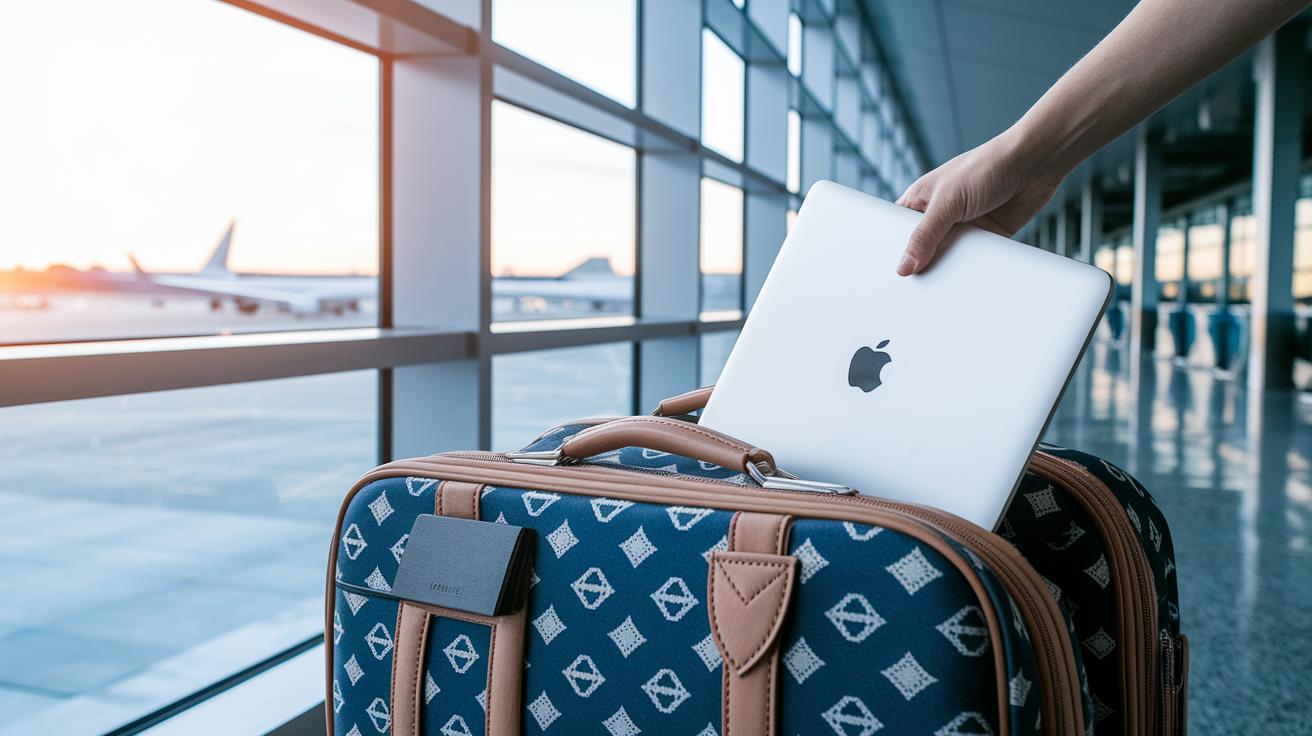
Laptops can go in checked baggage by IATA rules, but airlines often have their own rules. Some U.S. carriers let you pack your laptop in a carry-on only, while others follow IATA guidelines. For many international flights, the rules may include weight limits or require you to declare your laptop at check-in. That’s why it’s essential to check the rules for both domestic and international flights before you pack.
Airline rules vary a lot. One carrier might allow a securely packed laptop in your checked bag, while another might insist you keep it with you. International airlines can add extra fees or set weight limits on electronics. Think of it like checking your car's fuel before a road trip, you want to be sure everything is set to avoid problems later.
Some airlines clearly say that laptops should travel in carry-on only. This helps keep them safe from bumps or rough handling. Always review your ticket details or the airline’s website before you pack your computer. And if you’re flying internationally, checking travel tips on packing smart can really help.
Staying informed about laptop rules can save you a lot of stress at the airport.
Assessing Risks for Laptops in Checked Baggage: Damage, Theft, and Battery Hazards
Laptops face real risks when checked in. Rough handling can cause serious damage, studies show that about 22% of mishandled baggage issues involve laptops. In one case, a heavy impact in the cargo hold led to a laptop battery overheating. John Doe from the Airline Safety Institute noted that shock-absorbent cases cut damage by up to 40% in tests. New solutions, like custom foam inserts and improved battery casings, are now used to protect both the laptop and its lithium-ion battery.
Theft is another concern since laptops remain attractive targets even in checked bags. Some carriers are testing RFID (radio-frequency identification, a tech used for tracking items) systems to keep a closer watch on these devices. New industry guidelines have also pushed for better packaging, using flame-retardant and impact-resistant cases to protect lithium-ion batteries. One manufacturer explained that their updated packaging helps minimize battery risks during heavy handling.
Best Practices for Packing Laptops in Checked Luggage
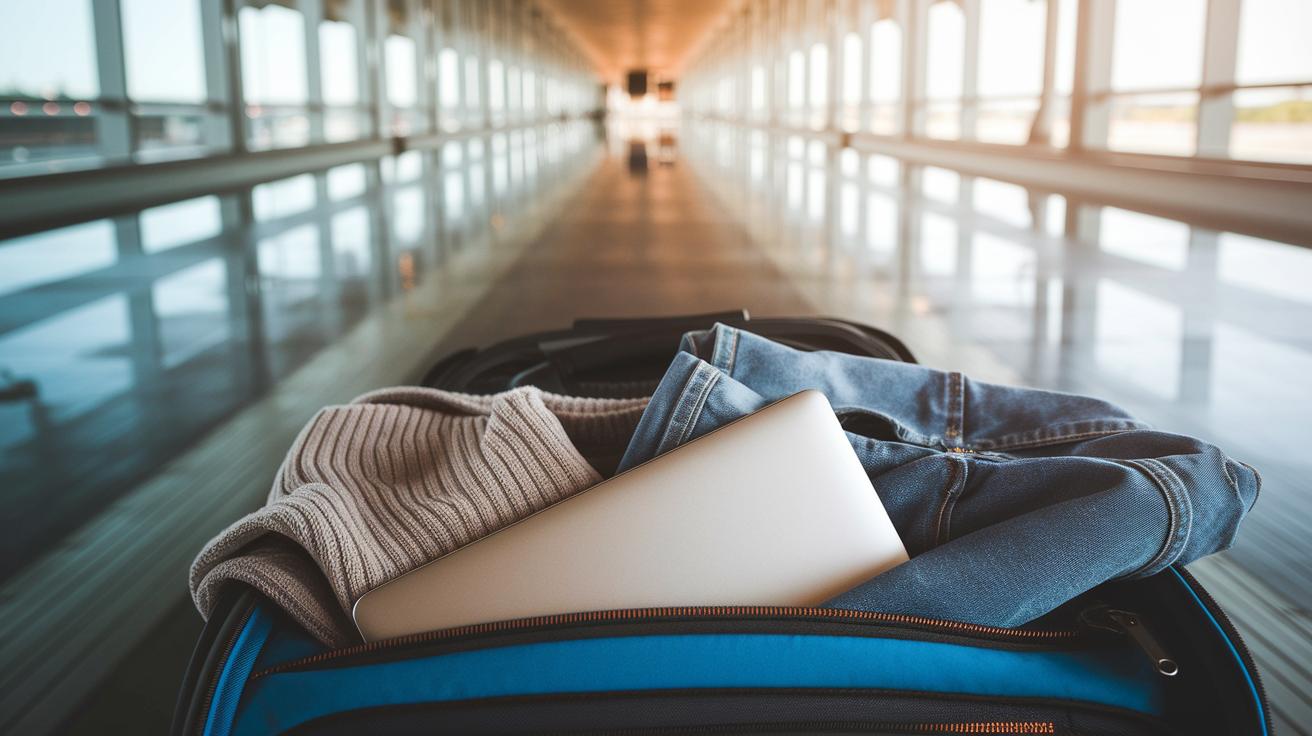
If you have to pack your laptop in checked luggage, follow these steps to help protect it during your trip.
-
Place your laptop in a hard-shell protective sleeve.
This sleeve acts like a mini safe, giving your device a firm layer against bumps and rough handling. -
Cushion your laptop with thick, dry clothing.
Wrap your laptop with extra layers such as sweaters or towels. This padding works like a shock absorber, helping to ease any jolt during transit. -
Keep spare batteries in your carry-on.
Lithium-ion batteries can be a fire hazard if damaged. Store any extra batteries with you to keep things safe and meet airline rules. -
Add a tracking device to your laptop case.
Using a Bluetooth tracker helps you locate your bag if it goes missing. Think of it as a little locator tag that keeps you informed about your luggage. -
Backup and encrypt your data before packing.
Save your files to an external drive or the cloud and protect sensitive info. Also, power off your laptop completely and charge it to at least 50% in case security staff need to see that it works.
Alternative Strategies: Carry-On vs Checked for Your Laptop
Keeping your laptop in the cabin helps avoid damage, theft, and battery issues. Bringing it with you means you stay in control during security and the flight. Many airlines allow a laptop as a personal item if it fits under the seat, so you can use a dedicated bag and keep it close.
Many travelers choose safe carry-on options. You might use a tote with a padded sleeve, a foam-lined backpack made for electronics, or a rolling suitcase with a laptop compartment. These choices give better protection against bumps, drops, and rough handling in the cabin. Onboard, your laptop faces fewer shocks than in the cargo hold.
At security, the TSA asks that you take your laptop out of your bag so it can go through the X-ray. This extra step lets you check for any issues before your flight. Plus, travel insurance that covers high-end electronics adds extra peace of mind if something unexpected happens.
Travelers also appreciate that carrying their laptop lets them back it up quickly and keep an eye on its condition during the flight. This hands-on approach makes it easier to keep a valuable device safe.
What to Do If Your Laptop Is Damaged or Lost in Checked Baggage
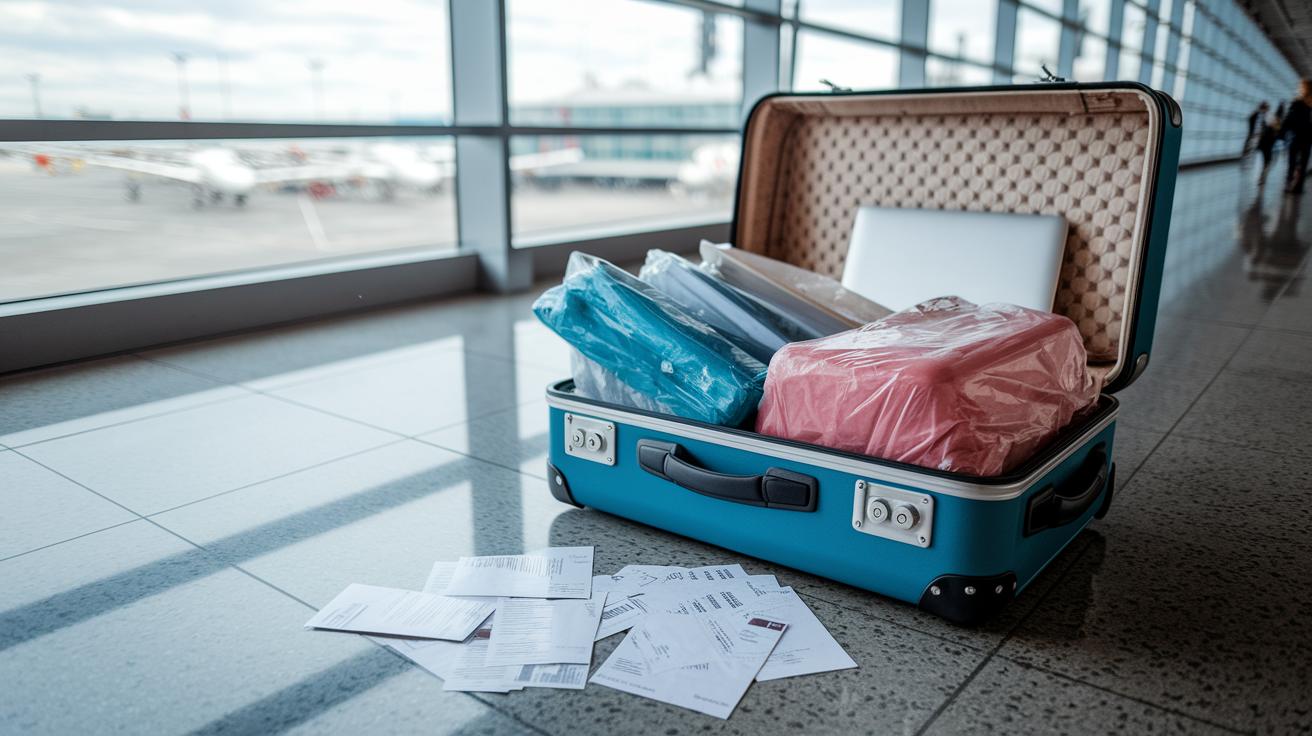
If your laptop gets damaged or goes missing in your checked baggage, you need to act fast to protect your rights. Airlines limit their responsibility for checked electronics. Under the Montreal Convention (a treaty that sets rules for international travel), they may pay up to 1,131 SDR (roughly USD 1,600). Make sure you file a claim with the airline within 21 days of your arrival.
Begin by gathering evidence. Snap clear photos of your laptop along with its original packaging. Keep all your receipts, warranty papers, serial numbers, and any other documents that prove your purchase and ownership. This proof is critical for backing up your claim.
Before leaving the baggage area, ask for a Property Irregularity Report (PIR) from the airline’s desk. This report records the condition of your belongings right on pickup and is key to verifying your case.
Here’s a quick checklist to help with your claim:
- Photograph the damaged laptop and its packaging.
- Keep all purchase receipts, warranty papers, and serial numbers.
- Get a PIR report immediately at the baggage desk.
- File your claim with the airline within 21 days.
- If the outcome is unsatisfactory, contact the airline’s customer service or check if third-party insurance can help.
Hold on to all your documentation until the claim process is fully resolved.
Final Words
In the action, we broke down whether carrying your laptop in checked luggage is wise. We examined risks like damage from rough handling, fire hazards from batteries, and increased theft chances. We also discussed airline policies, safe packing tips, and smarter carry-on alternatives. Lastly, we provided steps to address damage or loss if it occurs. Keep in mind the key question: can i pack my laptop in checked baggage? Knowing the facts can help you travel smarter and keep your gear safe.
FAQ
Can I pack my laptop in checked baggage on various airlines and international flights?
The guidelines state that while IATA rules allow it, carrying your laptop in the cabin is recommended. This helps avoid rough handling, battery fire risks, and potential theft.
What should I do if I accidentally put my laptop in checked luggage?
Accidentally checking your laptop exposes it to damage and theft. Contact your airline right away and document any visible issues to assist with a timely claim if problems occur.
What are the new rules for laptops on planes?
New rules focus on safety. You might need to power on your laptop for TSA checks, and most airlines suggest keeping it with you in the cabin to reduce damage, battery, and theft risks.
Is it safe to put a laptop in checked luggage?
The risks make putting a laptop in checked luggage unsafe. Cargo handling can be rough, lithium batteries may overheat, and expensive devices draw thieves.
What items cannot go in checked luggage?
Prohibited items in checked luggage include spare lithium batteries, fragile electronics, and any hazardous materials that could pose a fire risk or safety issue.
Is a laptop bag allowed in check-in baggage?
A laptop bag may be allowed if it meets the airline’s check-in criteria. Still, it’s best to keep your laptop in your carry-on to minimize risks from rough handling or theft.
Where should I pack my laptop when flying?
The safest option is to pack your laptop in your carry-on bag. Keeping it with you in the cabin lessens the chance of damage, theft, or battery issues during your flight.