

Have you ever wished your flight could be fun too? United's inflight entertainment lets you do just that. You can use the seatback screen or stream on your own device to watch movies, sports, and even live flight updates. The media library updates fast, and the controls are easy to use. Every minute in the air turns into a little break from just traveling.
United Inflight Entertainment Overview: Features and Content
United’s inflight entertainment service recently earned the Crystal Cabin Award for its smart design and quality. Passengers can either use the seatback screens or stream movies and shows on their own devices via the United_Wi‑Fi network. Before you even step on board, you have the choice to connect and start enjoying the content the way that suits you best. This dual setup makes your flight smoother and more fun.
The media library is loaded with free movies, TV shows, audio programs, live news, sports coverage, games, and podcasts. The content updates fast, so frequent travelers will always find something new, from big Hollywood blockbusters to popular indie films. Whether you’re a leisure traveler or flying for business, this digital catalog has something for everyone.
To cater to passengers from around the world, the system provides content in 15 different languages. There’s also a handy split‑screen feature that lets you use two apps at once, perfect if you want to watch your favorite series while checking live sports. United’s mix of quality and variety ensures you are well entertained no matter what you want to do during your flight.
Seatback Cinema Display and Interactive Features
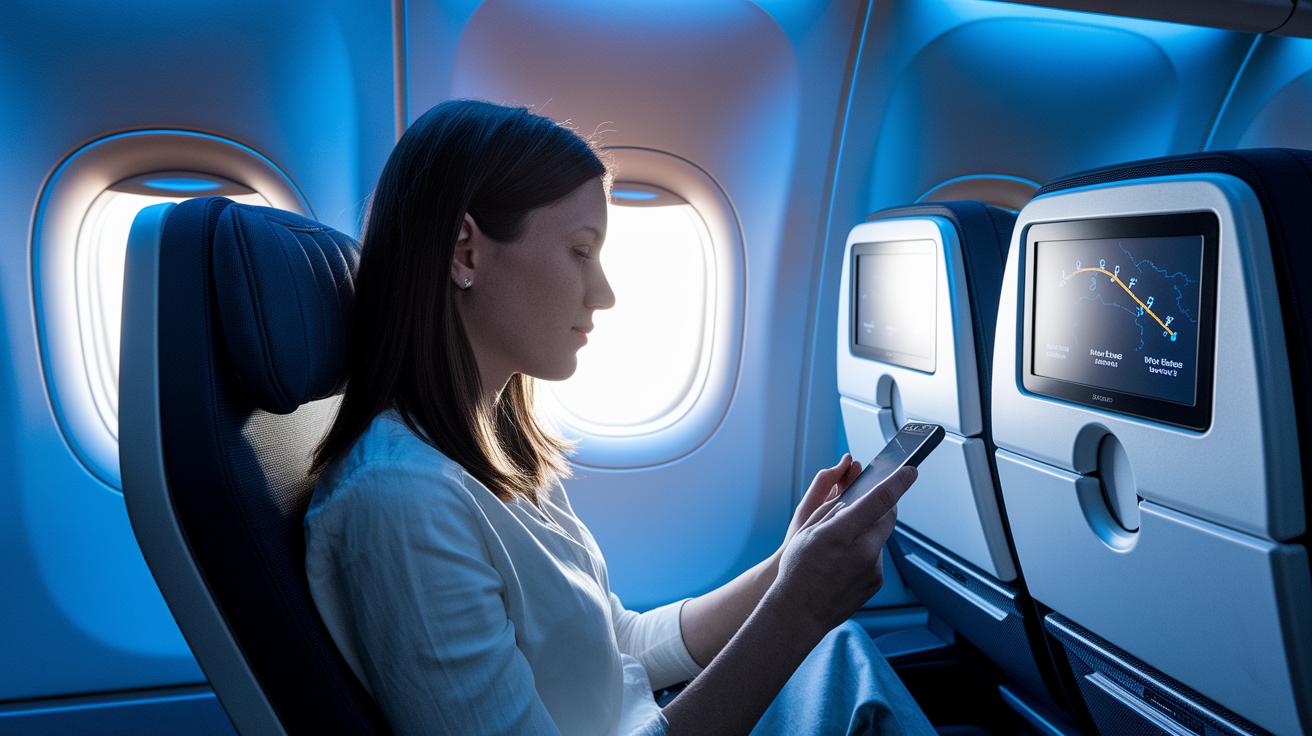
United's seatback screens are simple to use with touch controls and a handy remote, so you can easily find the content you want. You can switch from flight video menus to an interactive movie guide PDF that shows the latest films and entertainment choices.
One cool feature is the new Control Tower map view. This live map shows your plane's route and even offers Channel 9 for live air traffic control chatter. It’s neat to remember that once pilots only had manual readouts, but now interactive screens let you see all this detail instantly.
The system is made for multitasking. You can use split-screen mode to watch a movie on one side and check flight tracking or the news on the other. Plus, United updates the software regularly to add new features and keep things running smoothly.
These easy-to-use menus are designed to offer a smooth and enjoyable travel experience. Whether you’re tracking flight details or just relaxing with a movie, the seatback display meets every need.
Streaming Entertainment on Personal Devices
Travelers can easily access United's huge media library on their smartphones, tablets, or laptops. Once you're onboard, connect your device to the "United_Wi‑Fi" network. Next, open the United app or visit the in-flight entertainment site to start streaming.
Here’s how to begin:
- Connect to the United_Wi‑Fi network.
- Open the United app or navigate to the in-flight entertainment site.
- Tap on “Entertainment” from the options.
- Pick the movie, TV show, audio program, or live TV you want to watch.
- Hook up your headphones if you need better sound.
This free service offers a mix of movies, TV shows, live news, sports coverage, and audio content. On some flights, you can even watch live TV for a fully immersive experience. If the video doesn’t load right away, just restart the app or check your headphone connection. You'll see on-screen guides to help with any issues.
The app is built for easy use, so even if you're not a tech whiz, you won’t have trouble getting started. It works well with many different devices, giving you the freedom to enjoy a personal viewing experience in the air.
Make sure your device is charged and have a good pair of headphones handy for the best experience. Enjoy free, flexible streaming that puts your favorite content right at your fingertips while you fly.
Cost Structure: Free vs. Paid Options
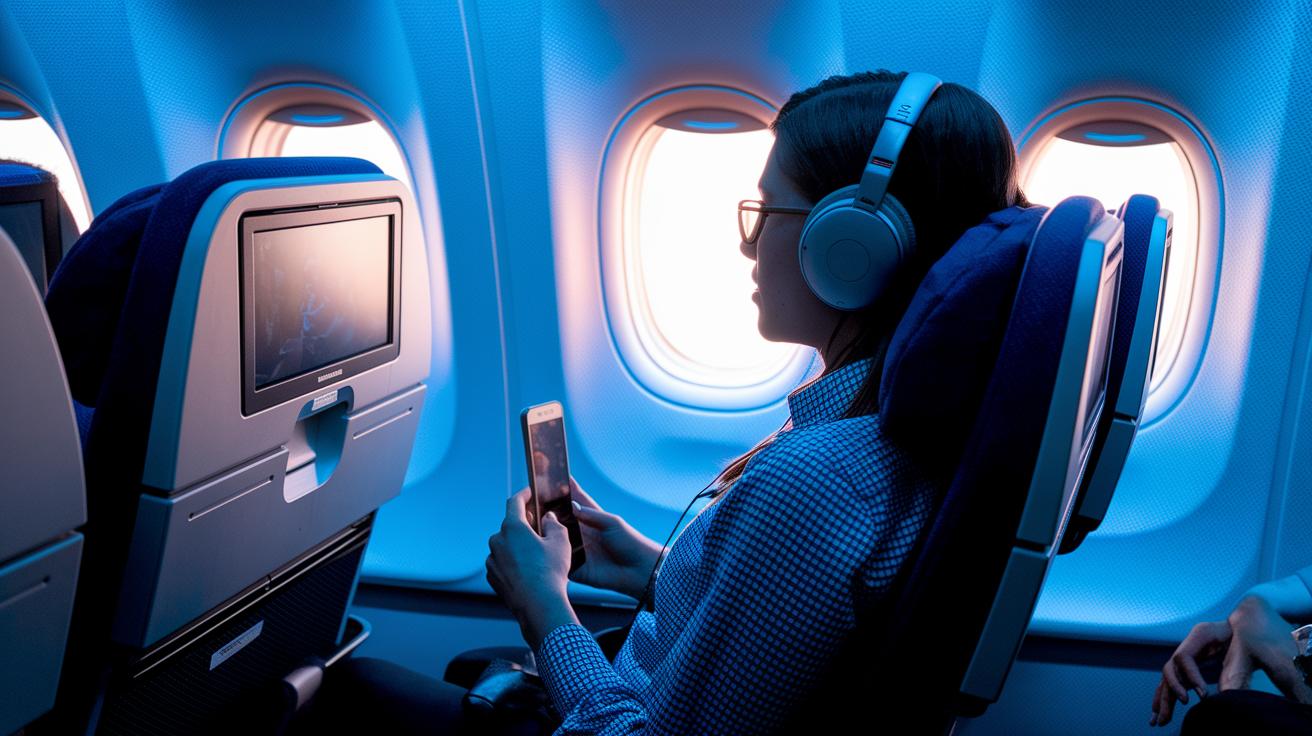
On United flights, movies, TV, and audio are free for everyone. You get a mix of films, shows, and music at no extra cost beyond your ticket. Some flights even feature DIRECTV live-TV without charge, though the options may change with each aircraft and route.
If you want more than just streaming entertainment, United offers Wi‑Fi packages for an extra fee. These let you browse the web, check your email, or use your favorite streaming apps. The Wi‑Fi costs are separate from the complimentary media, and you can choose from different packages to suit your needs and budget.
This clear setup lets you plan your spending easily and enjoy a full range of onboard entertainment without any surprise fees. Always check your flight details to pick the best option for you.
Curated Film Catalog and TV Selection
United uses route data and passenger feedback to fine-tune its onboard media. The media team picks films and shows that match the flight route, aircraft type, and even the season. On long transcontinental flights, expect high-energy blockbusters. For shorter trips, you might enjoy light, engaging series. Picture yourself settling into your seat and watching a film that perfectly fits your journey.
United’s content experts also study traveler reviews every day. They add special touches that go beyond a standard catalog. One passenger mentioned, "The selection felt perfectly matched to my route, offering a unique mix that wasn’t in any generic list."
- Route-focused changes based on passenger comments
- Unique programming tweaks for select flights
- Daily updates that reflect local trends and viewing habits
Accessibility and Language Support in United Inflight Entertainment
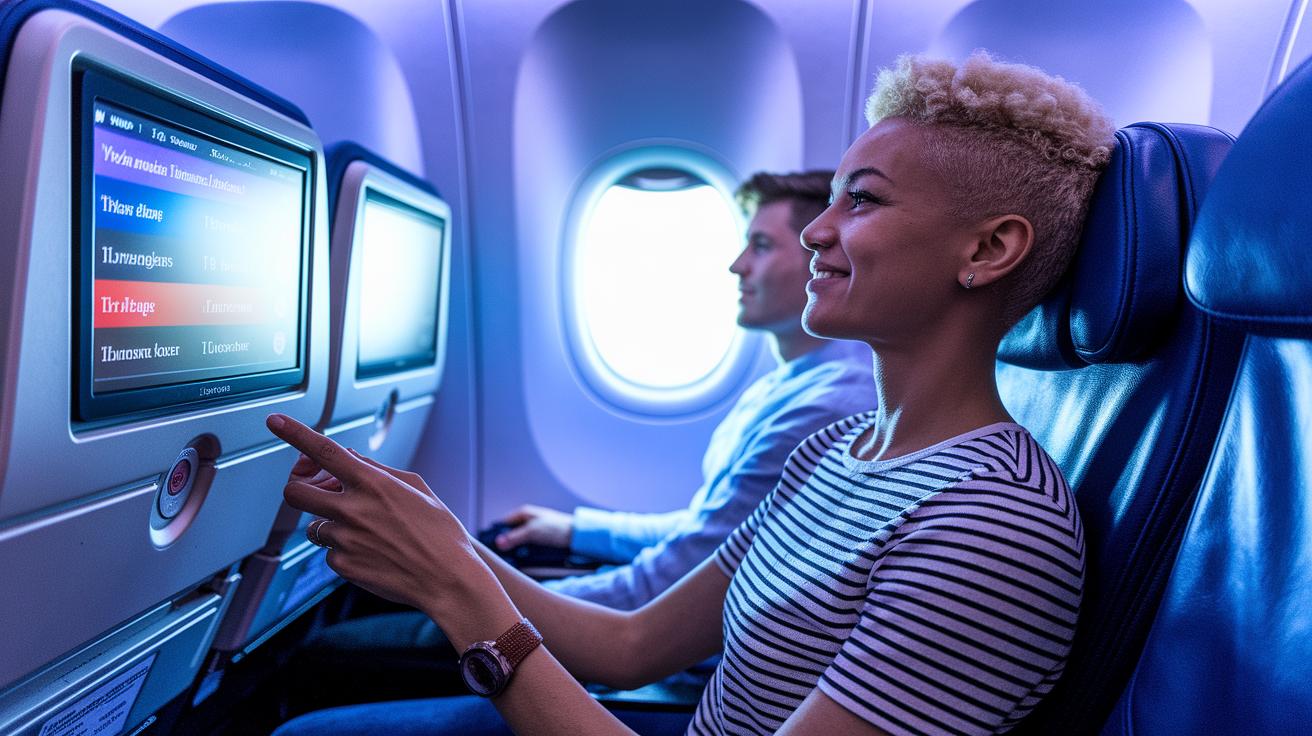
United's inflight entertainment is built for every traveler. The system shows menus and content in 15 languages so you can use it in the language you know best. Audio tracks and subtitles are offered in the same languages, making it easy for you to enjoy your films. Some titles even come with closed captions and audio descriptions for those with hearing or vision challenges.
Families will notice clear labels on kids’ shows, making it simple for young ones to find the programs that suit them. You can also rate movies and TV shows on the system. One traveler said, "I love that I can tell the system which movies I like. It really improves my future recommendations." This feedback helps United fine-tune its film selection.
With strong language support and easy accessibility, United makes it simple for everyone to enjoy quality inflight media.
Troubleshooting Common Entertainment Issues
If you run into problems with United's inflight media, try a few easy fixes. Often, simple steps will get you back to your show or movie fast.
- If the video or sound doesn’t load, refresh the United app or your in-flight browser. You might also need to reconnect to the "United_Wi‑Fi" network.
- If your seatback screen has no sound, check your Bluetooth settings if you’re using wireless headphones. Turning Bluetooth off and on can help.
- If you’re streaming on your own device and the stream stalls, restart your device. Also, make sure your United app is up to date.
- If the seatback screen is still frozen, ask a crew member to reboot or reset the system.
These quick steps can fix playback, connection, or app issues so you can enjoy your content without delay.
Final Words
In the action, the blog post reviewed United's inflight system, from interactive seatback displays to free and paid streaming on personal devices. It broke down features like digital flight media updates, multilingual support, and easy troubleshooting tips. Each section focused on helping travelers plan smarter trips and avoid stress from schedule changes. United inflight entertainment offers a mix of live TV, film catalog updates, and hands-on controls that put the power of onboard media right in your hands. Enjoy a smoother flight and more comfort on your next trip.
FAQ
United Airlines movies this month
The United Airlines movies this month selection features new releases and popular films, with a mix of Hollywood blockbusters, family favorites, and documentaries updated regularly for a fresh viewing experience.
United Airlines movies list pdf
The United Airlines movies list pdf is a downloadable catalog that details the available in-flight movie options. You can usually find it on the airline’s website or request it from customer service.
United private screening
The United private screening offers select passengers an exclusive viewing experience, featuring special film previews in a quieter, more personalized setting away from the usual cabin activity.
United inflight entertainment movies list
The United inflight entertainment movies list includes a range of films from new blockbusters and acclaimed documentaries to family-friendly and indie titles, ensuring there’s something for everyone.
Best United Airlines movies this month
The best United Airlines movies this month highlight top-rated blockbusters, engaging documentaries, and crowd-pleasing films chosen for their quality and wide appeal among travelers.
United inflight entertainment not working
The United inflight entertainment not working issue can often be fixed by refreshing the app, reconnecting to the “United_Wi-Fi” network, or toggling Bluetooth if you’re using wireless headphones.
United inflight entertainment cost
The United inflight entertainment cost is free for movies, TV shows, and audio. Fees only apply for certain internet and Wi-Fi packages offering additional connectivity options during the flight.
United Airlines entertainment app download
The United Airlines entertainment app download lets you access the cabin media library on your smartphone or tablet. Simply download it from your device’s app store to enjoy on-demand entertainment.
How do I access United inflight entertainment?
The United inflight entertainment access process begins by connecting to the “United_Wi-Fi” network, then launching the app or in-flight website and tapping the “Entertainment” option to browse available content.
Does the United Economy have inflight entertainment?
The United Economy seat provides inflight entertainment options through dedicated seatback screens and personal device streaming, offering a selection of movies, TV shows, and more during your flight.
Do I need the United Airlines app to watch movies?
The need for the United Airlines app depends on your device. Passengers can watch movies via the personal-device streaming feature using the app, or directly through the seatback screens without it.
What movies are they showing on planes?
The movies shown on planes include a mix of current releases, timeless classics, documentaries, and family films. The lineup may vary by aircraft, route, and seasonal programming.