

Ever notice how your in-flight internet slows right when you need it? When you’re up in the air, staying connected is key. Small tweaks to your device can really help.
Imagine sending emails or joining a video call without lag, even when you’re thousands of feet above ground.
This article shares easy tips and simple settings fixes to boost your WiFi speed. Keep reading to learn how to keep your online tasks running smoothly.
Essential Inflight WiFi Connectivity Tips for Travelers: Speed Up
Before you board your flight, check your airline's Wi-Fi options. Carriers vary, so knowing ahead of time helps you decide if you should pay for a plan or stick with the free access. For example, if you're on a long flight with a carrier that supports streaming and cloud work, you'll likely have a smoother online experience.
Optimize your device settings by closing background apps and pausing automatic updates. This saves data and boosts browsing speed. Try switching to a "public network" mode if you have that option. One traveler said, "When I turned off file sharing, my connection felt more secure and faster." These small tweaks can free up bandwidth when many users share one connection.
During busy times like takeoff, boarding, or early cruising, more people connect, which can slow the signal. Connecting early, before the network gets crowded, helps you secure a better connection. Staying connected instead of switching often also keeps your performance steady.
Finally, match your online tasks to the available bandwidth. When the network slows down, focus on critical work or simple browsing. If you need to stream video for a presentation, try lowering the quality for smoother playback. Adjusting your activities to the network's speed makes your inflight connection more reliable.
Inflight WiFi Technologies and Performance Expectations

Geostationary Satellite Systems
Older satellite systems have been in use for many years. They usually offer speeds between 3 and 50 Mbps for the entire airplane, which means each person might only experience around 1 Mbps or less. With delays often over 700 ms, real-time uses such as video calls or online games can be challenging. Plus, these systems may not work well over oceans or near the poles. So if you plan to stream or work online, these limits may affect your experience during busy periods.
Low‑Earth Orbit Satellite Systems
New satellite networks like Starlink bring a big upgrade. They deliver speeds of 120 to 160 Mbps and keep delays low at about 44 ms. That makes video calls, online gaming, and streaming run much smoother. Because these satellites orbit much closer to Earth, the connection is steadier almost everywhere without many dead zones. For more on upcoming technologies in inflight service, check out future technologies in inflight service. This upgrade also helps with managing flight data, which is great if you need dependable connectivity on your trip.
| Technology | Median Download | Latency | Coverage Notes |
|---|---|---|---|
| Geostationary Satellite Systems | 3–50 Mbps | 700+ ms | May have gaps |
| Low‑Earth Orbit Satellite Systems | 120–160 Mbps | ~44 ms | Near-global coverage |
Troubleshooting Inflight WiFi Connectivity Issues
Sometimes the inflight WiFi drops because too many people share the same network. Think of it like a public hotspot where every connected device shares the available signal. When more passengers go online during boarding or busy cruising, the signal weakens, especially on older systems with limited capacity.
If your connection falters, try a quick reset on your device. Toggle airplane mode off and then back on to force a reconnect. Restarting your phone's or tablet's WiFi also does the trick. One traveler mentioned that switching airplane mode off and on felt like a fresh start, and they were back online in minutes. Always check that you're connected to the right network to avoid getting mixed up with similar signal names.
When the WiFi feels slow, switch to light activities. If streaming video stalls, try simple web browsing or checking your emails instead. This way, you adjust your online use to match the current network speed, making your flight internet experience a bit smoother.
Inflight WiFi Security Best Practices
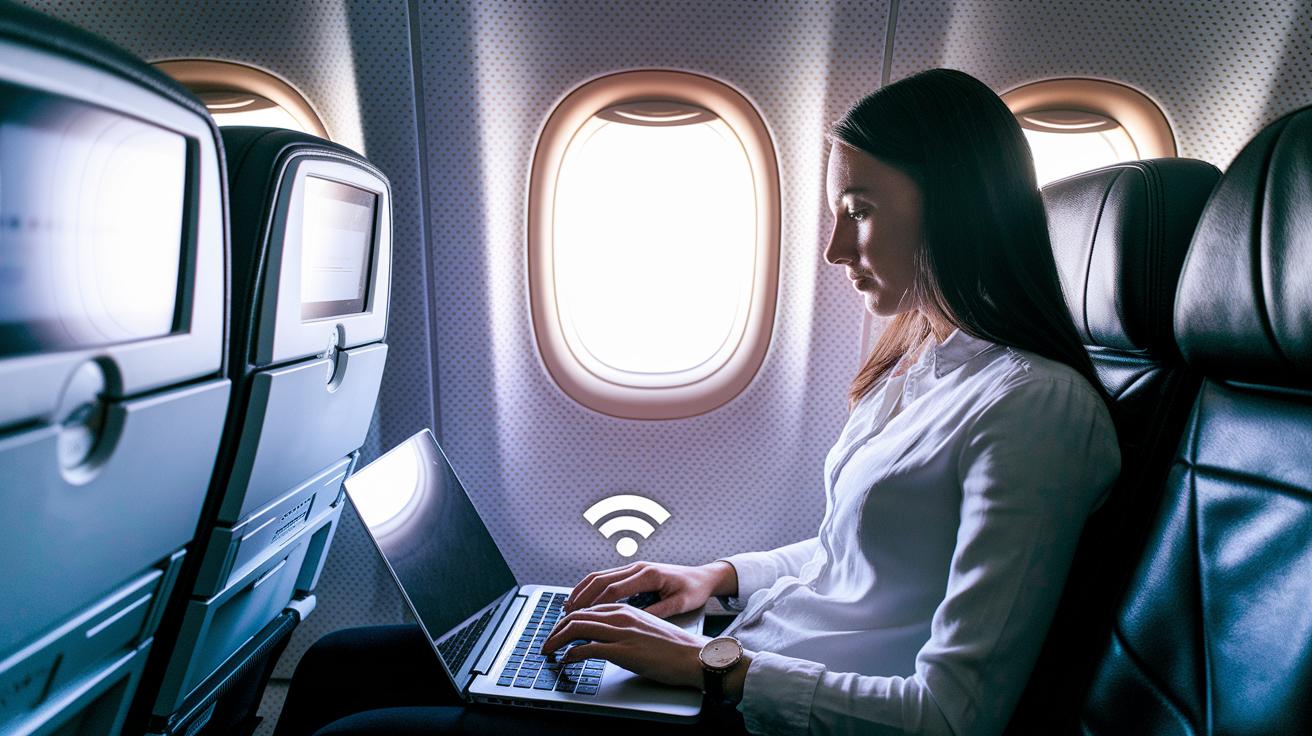
When you connect to public WiFi on a flight, treat it just like any other open hotspot. Most in-flight networks offer only basic protection, which means your personal info can be at risk. If you check your bank account or enter passwords, it may not be safe. One traveler felt like the free WiFi left their digital door wide open.
A smart way to protect yourself is by using a VPN (a tool that creates a secure tunnel for your information). It hides your passwords and private transactions so others can't sneak a peek. Make sure you pick a VPN known for strong encryption and solid security. Many travelers feel more at ease when they set up a good VPN before boarding.
Before your flight, update your device’s firewall, antivirus, and anti-spyware software. Switch your device to "public network" mode to turn off file sharing, which makes your device less visible to others. Also, try to stick with HTTPS websites when browsing. This extra step helps safeguard your sensitive data while you’re in the air.
Preparing Devices and Tools for Inflight WiFi Connectivity
Before you board, load up key resources on your devices. Download important emails, documents, and videos you might need during the flight. This way, if the Wi-Fi acts up, you'll still have what you need. One traveler said, "I always download my presentations and reading materials the day before the flight, so I'm never caught off guard during a connectivity drop."
Make sure your devices are fully charged. Pack a reliable power bank or USB-C cable for inflight charging. Having extra power means you can keep your devices running when you can’t easily find an outlet.
Update your device software and Wi-Fi drivers well before you fly to avoid glitches mid-air. Also, turn off auto-updates before boarding to keep background data use to a minimum. These simple steps help ensure smooth mobile access and prevent sudden interruptions during your flight.
Managing Data Usage and Costs on Inflight WiFi
Many airlines now offer both free and paid Wi‑Fi. Carriers such as Hawaiian, Qatar, Air New Zealand, and JetBlue often let you browse and send messages for free. However, free texting might not work well if the connection is weak. Some airlines charge for stronger services that include options like streaming video, texting, or complete internet access. Knowing how your airline handles Wi‑Fi can help you plan and manage your expenses.
When you pick a plan, think about what you'll do online. If you plan to watch videos or work while in the air, a paid plan with more data might be the best fit. But if you only check email or browse lightly, the free option might work just fine. Checking your airline’s website before you fly can give you clear details about what you can use and what it costs.
Keep an eye on your data usage during the flight by checking your device’s settings. This helps you avoid any surprise charges and lets you adjust your activity if needed. Reviewing your usage as you go can make sure you stay within your chosen plan’s limits.
Choosing Airlines and Plans for Optimal Inflight WiFi Connectivity
When you're planning your flight, take a moment to check the airline's WiFi options. A good connection can really improve your travel experience. Some airlines let you stream movies for free, while others might charge you for full internet access. Look up recent test results to make sure the service is steady if you plan to work or enjoy entertainment onboard.
Airlines like Hawaiian Airlines and Qatar Airways are a strong bet if you want fast streaming and reliable browsing. They offer free high-speed options that work well during a flight. Meanwhile, Air New Zealand and JetBlue give you free basic messaging and web access, which is great for lighter use. Major names like Delta Air Lines and United Airlines mix free and paid services but are upgrading to cover more areas soon. On the other hand, budget carriers such as EasyJet and Ryanair may not offer WiFi right now, although they plan to roll out paid plans later.
| Airline | WiFi Options |
|---|---|
| Hawaiian Airlines | Free high-speed streaming on A321neo and 787 fleets, median speed about 161 Mbps |
| Qatar Airways | Free browsing with tiers offering up to 120 Mbps using a strong low Earth orbit network |
| Air New Zealand & JetBlue | Free basic messaging and web access with extra paid streaming options |
| Delta & United | Mixed options that include paid services; aiming for full low Earth orbit coverage by 2026 |
| EasyJet & Ryanair | No service available currently; future paid plans in development |
Final Words
In the action, the post broke down practical inflight wifi connectivity tips for travelers. Readers learned to confirm service options, optimize device settings, and handle connectivity issues. The guide also covered security measures, device preparation, and managing data costs in detail.
This advice makes planning smoother and helps avoid unexpected delays or higher costs. Keep these tips in mind as you prepare for your next flight, and enjoy a smoother digital flight experience.
FAQ
What are the best inflight wifi connectivity tips for travelers?
The best inflight wifi connectivity tips for travelers start with checking your airline’s service options and adjusting device settings. For example, on Delta flights, verify connectivity online, close background apps, and connect early.
How can I get wifi on a plane for free?
The free inflight wifi option means some airlines offer complimentary tiers for basic browsing and texting. Check your carrier’s website before flying to see if you qualify for a no-cost option.
How do I get internet on a plane when wifi isn’t available?
Getting internet without standard inflight wifi means preparing offline content in advance. Download emails, documents, or entertainment on your device so you stay connected even when the network is limited.
Which airlines offer wifi on international flights?
The airlines offering wifi on international flights include carriers like Qatar Airways, Delta, and United. They use advanced satellite systems for coverage, so check your specific route before booking for clarity.
Do planes have wifi over the ocean?
Planes have wifi over the ocean using satellite systems. While speeds can vary, emerging low-Earth orbit networks are increasing reliability and speed even across vast ocean areas.
Can I use wifi in airplane mode on Android and iPhone?
Using wifi on airplane mode is possible on both Android and iPhone. Activate airplane mode, then manually switch on wifi to connect to the inflight network for browsing and streaming.
How can I better use the internet during a flight?
Using the inflight internet effectively means connecting early, closing unused apps, and prioritizing essential tasks. This helps manage the limited bandwidth so you can work or stream with fewer interruptions.
What happens if I don’t put my phone on airplane mode during a flight?
Not switching your phone to airplane mode can interfere with aircraft systems. Airlines require airplane mode to avoid connectivity signals that might disrupt onboard communication and safety protocols.