

Ever wish your flight felt like a little movie theater in the sky? Delta’s in-flight entertainment brings that feeling with high-definition touchscreens that show movies, TV shows, and games. The screens let you change what you're watching quickly and easily. Whether you want a blockbuster or a hidden gem, every flight turns into a welcome break from the everyday. This setup gives you more than a way to pass the time, it makes your journey more enjoyable.
Key Features of Delta’s In-Flight Entertainment System
Delta’s onboard media system features modern hardware and user-friendly design. Every seat has a high-definition touchscreen and quality headphones. This setup lets you easily browse the digital media library while enjoying clear sound. The simple seatback display makes switching between movies, TV shows, music, and games effortless. For more details on service quality, check out tips on evaluating airline in-flight service.
Delta Studio offers a wide range of options. You can choose from blockbuster movies to smaller indie films. The rotating catalog even includes foreign-language options that you rarely see elsewhere. This diverse lineup helps both frequent flyers and occasional travelers relax as they explore new cinematic worlds.
The in-flight viewing experience plays a big part in why many passengers choose Delta. Whether you are losing yourself in a great film or catching up on your favorite series, the responsive touchscreens and broad choice of content make your flight feel more like a mini theater in the clouds.
How to Access Delta’s Onboard Media Portal
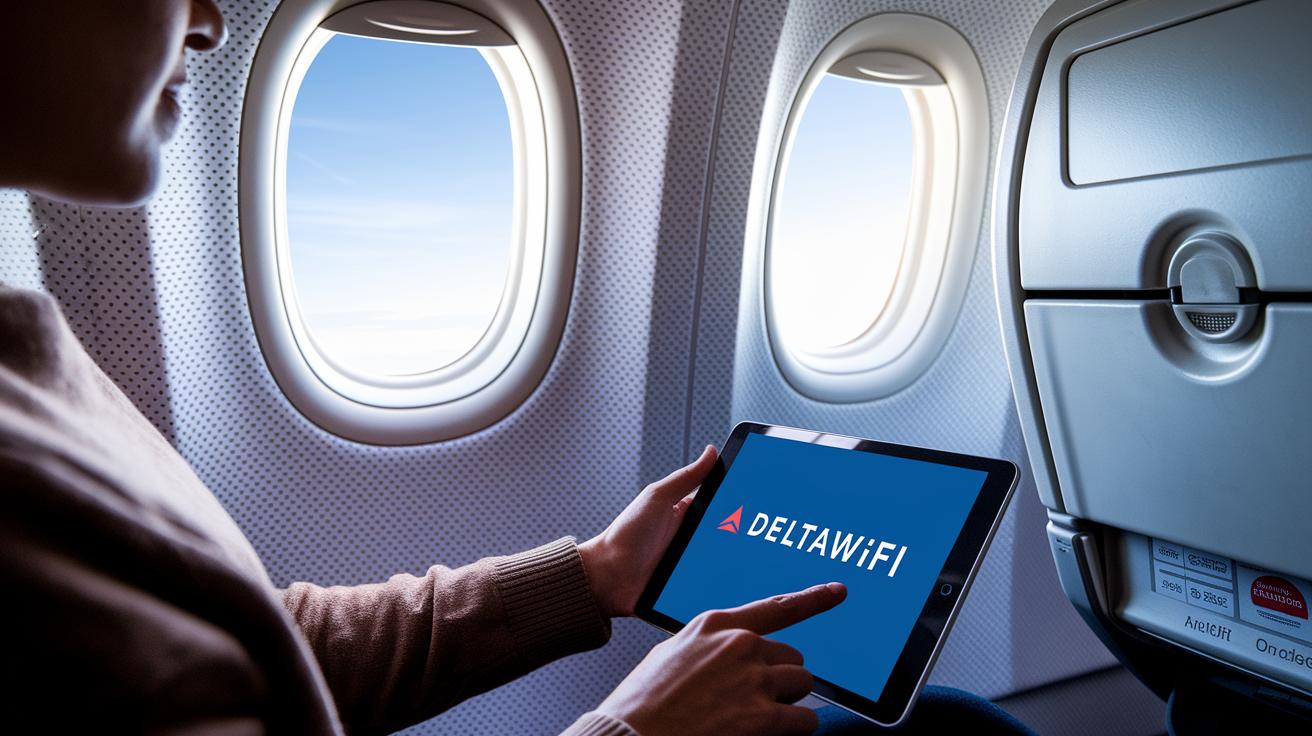
Begin by connecting your device to Delta’s in-flight network. You can use your smartphone or tablet to explore onboard media using the Fly Delta app or an in-flight browser. Find and connect to the "DeltaWiFi" network, then sign in. This simple step opens up a world of movies, TV shows, music, and games while you fly.
- Connect your device to the "DeltaWiFi" network
- Open the Fly Delta app or type in the in-flight portal URL
- Enter your ticket details or SkyMiles number when prompted
- Accept the terms of service and data usage notice
- Browse menus for movies, TV shows, music, or games
- Choose your content and adjust playback settings
If you hit a snag while logging in, check that you entered your ticket details correctly and refresh the portal page. Sometimes, restarting the Fly Delta app fixes small glitches. Also, make sure your network settings are right or try another device if problems persist.
Delta Studio: Movie, TV and Music Library
Delta Studio turns your flight into your own movie theater with a large selection of movies and TV shows. You can watch big blockbuster hits or try indie films that offer a fresh, creative look. They even rotate a group of foreign films that you rarely see on other systems. There is always something to suit your mood while you relax in your seat above the clouds.
In addition to films and series, Delta Studio offers plenty of music channels and interactive fun. Music fans can enjoy everything from pop to classical tunes to set the right vibe for their trip. There are also interesting podcasts with real stories and thoughtful commentary. Plus, you can play interactive games if you need a fun break. This mix of entertainment helps keep your flight lively and enjoyable.
Streaming and Wi-Fi Services Aboard Delta Flights
Delta offers in-flight Wi-Fi that lets you stream your favorite shows and media up at 30,000 feet. You can choose from different pricing plans that suit your needs. Some plans are great for quick browsing, like checking emails and social media, while others are set up for fast streaming if you want to watch videos or catch up on work.
The network is designed to deliver strong and steady internet so you can enjoy movies and live TV with clear video and sound even when several devices are connected. Whether you're tuning into a live game or swiping through your favorite podcast, the system works to keep your connection smooth.
For the best experience, make sure your device software is updated and close any apps you aren't using. If your connection slows down, try reconnecting to Delta’s Wi-Fi. These simple tips can help you stay connected and enjoy your flight.
Device Compatibility and Audio Connection Options
Delta’s in-flight entertainment works on most personal devices like smartphones, tablets, and laptops. It connects easily to ensure you have a smooth viewing experience during your flight.
If you prefer a wireless setup, start by turning on Bluetooth on your device. Open Delta’s media portal and let it scan for nearby Bluetooth options. When you see the pairing option, tap it, and wait for a confirmation message. This clear process makes it simple to connect without any hassle.
For those who favor a wired connection, every seat comes with its own headphone jack. This option gives you a steady, reliable audio experience without the need for any pairing.
To get the best sound quality, adjust both your device’s volume and the in-cabin audio settings. Keeping your device close will also help reduce interference, letting you enjoy every note and line of dialogue throughout your journey.
Troubleshooting and Passenger Support for Delta In-Flight Entertainment
If your screen freezes or the media app does not update, try a quick fix. Turn your screen off and back on. If that does not work, restart the whole system and check for updates. These simple steps can clear up loading delays or empty menus so you can get back to your movie or music quickly.
Still stuck? Ask a flight attendant for help or use the in-flight chat feature. Let them know what’s happening. They often fix small glitches fast with a quick check. This means you spend less time troubleshooting and more time enjoying your flight.
If your entertainment still isn’t working right, head over to Delta’s online feedback portal to file a complaint. Explain your problem and ask about a refund for any system failures, if needed. Make sure to include details like your flight number and the time of the issue. Your feedback helps Delta improve service and fix problems faster.
Final Words
In the action, we explored how Delta’s in-flight entertainment system brings movies, TV, music, and games to life in the air. We looked at seatback displays, easy steps to access the media portal, and ways to solve common issues. The guide shows you how the hardware and content blend seamlessly to improve your travel time. Enjoy smart choices and exciting moments onboard with delta in-flight entertainment that make flying a smoother experience.
FAQ
How do I access Delta’s in-flight entertainment on my phone?
Accessing Delta’s in-flight entertainment on your phone means connecting to DeltaWiFi, launching the Fly Delta app or portal, and logging in with your ticket details or SkyMiles number to browse movies, TV shows, and music.
What is Delta Studio and what does it offer?
Delta Studio is Delta’s media library that offers an array of blockbuster hits, indie films, and foreign-language movies along with music channels, podcasts, and interactive games for a varied in-cabin entertainment experience.
Are new release movies available on Delta flights?
New release movies appear in Delta’s evolving media selection. Passengers can enjoy popular, recently released films along with other favorites to make in-flight watching engaging.
Are free movies available on Delta flights today?
Free movies come as part of Delta’s in-flight entertainment package. Many films are available at no extra cost, letting you enjoy a variety of titles during your flight.
What happens if Delta’s in-flight entertainment isn’t working? Is there compensation?
If Delta’s in-flight entertainment isn’t working, reporting the issue to the cabin crew or via in-flight chat is recommended. Passengers may be offered compensation or refund steps based on the service disruption.
How can I tell if my Delta flight has TVs?
Identifying if your Delta flight has TVs involves checking your seat information on your boarding pass or asking a flight attendant before departure for confirmation.
How much do movies cost on Delta flights?
Most movies on Delta flights are free, though select new releases or premium titles may carry a small charge. You can review the in-flight menu for specific pricing details.