

Ever imagine catching a live sports game while soaring above the clouds? JetBlue now offers free live TV and Wi‑Fi on every flight. The upgraded system streams crystal-clear video straight from your seat’s screen. You can even enjoy personalized shows or join a social watch party to share the fun with fellow passengers. These new features turn your journey into a cozy movie night in the sky, making travel both comfortable and entertaining.
Overview of JetBlue Inflight Entertainment
JetBlue has been a trailblazer for onboard entertainment, offering free live TV and Wi‑Fi on every flight. This move let travelers enjoy movies, TV shows, music channels, and games without any extra charge. Imagine catching a live sports game while soaring at 35,000 feet, it’s a treat that used to seem impossible.
Recently, JetBlue upgraded its in‑flight TV software to create an even smoother experience. The new system powers both the seatback screens and the wireless streaming service, making it easy to switch from live TV to on‑demand content in a flash. Picture choosing a relaxing film after a long day, it now takes just a tap to change channels and adjust settings.
JetBlue’s ongoing improvements show a clear commitment to offering diverse in‑flight viewing options. What began with free live TV and Wi‑Fi has evolved into a richer media experience for business travelers, families, and anyone seeking quality entertainment at 35,000 feet.
Blueprint by JetBlue: Next-Generation Seatback Screen

Personalized Streaming Features
JetBlue’s new Blueprint screens deliver a home-like streaming experience at 35,000 feet. They learn your taste from previous flights and offer shows and movies based on what you've enjoyed before. For example, if you watched a comedy last time, you might see a new sitcom suggestion next. You can save your favorites to watch later and pick up right where you left off, even if it’s been a while. The screen also keeps your volume, language, parental controls, and closed caption settings intact, so you don't have to set them up every time you fly. Plus, it shows you real-time flight connections and even lets you order food and drinks in Mint.
Watch Party Functionality
A fun highlight is the watch party feature. This lets you invite up to five fellow travelers to watch a show together. Just tap the watch party option on your Blueprint screen, pick a title, and send an invite to people nearby. Once everyone joins, the video stays in sync, so when someone hits play or pause, it happens on all screens at once. Imagine you and four friends hitting play at 35,000 feet and enjoying a movie like you’re at your own private cinema. This interactive feature makes your flight a shared and fun experience.
Comprehensive Content Library on JetBlue Flights
JetBlue keeps its in-flight content fresh with regular updates. Passengers enjoy new movie selections and themed playlists that match the season. A smart system tracks what viewers like and builds collections around top trends. For example, you might see a message saying "Now showing: Hot Picks for this weekend" on a display.
The streaming service also adjusts video quality in real time. In simple terms, it changes the picture quality based on your connection speed. This ensures smooth playback no matter if you're watching on a seatback screen or your own device.
| Content Type | Features | Availability |
|---|---|---|
| On-demand Movies | New releases and classic films | Available on all seatback screens and via Wi-Fi |
| TV Shows | Full episodes from network shows | Available on all seatback screens and via Wi-Fi |
| Live TV | News, sports, and entertainment channels | Available on seatback screens and via Wi-Fi |
| Watch Party | Watch together with up to five users | Available on Blueprint-equipped jets only |
Connectivity and App Access on JetBlue Flights
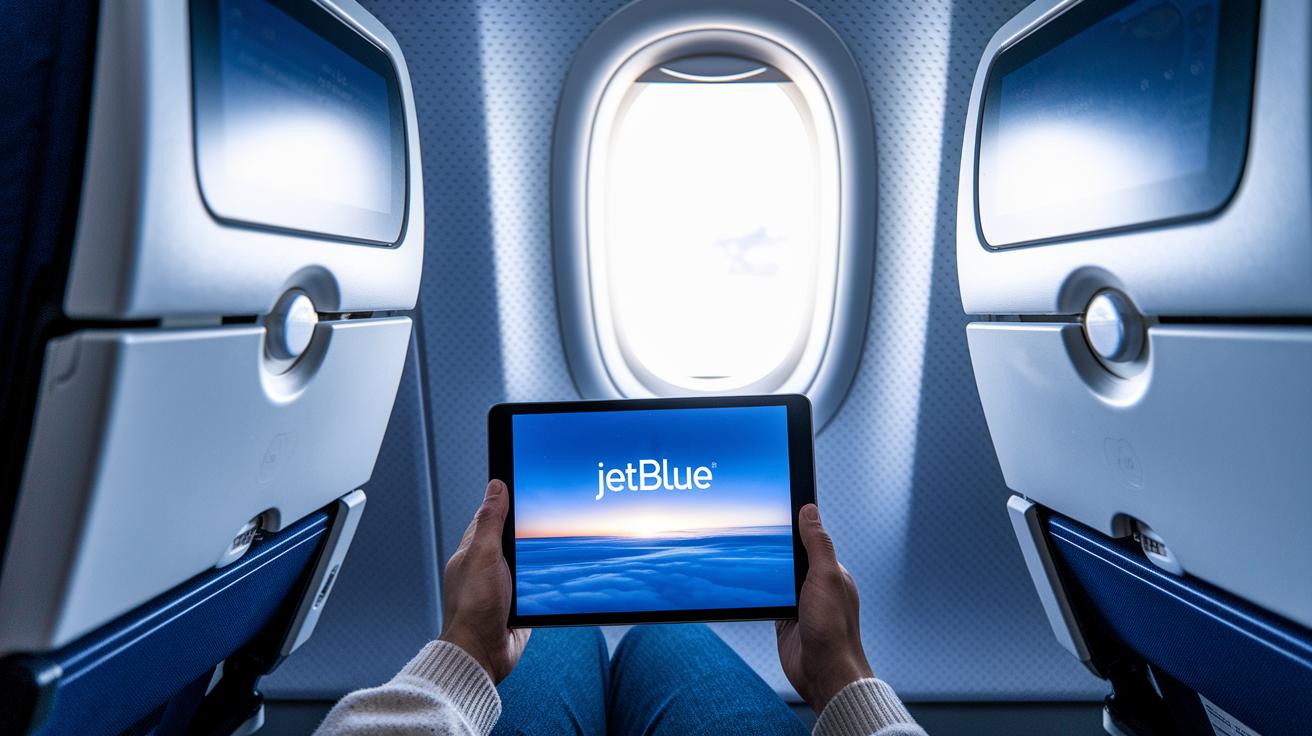
JetBlue makes it easy to stay connected with its Fly-Fi system. Every flight offers free Wi‑Fi so you can stream TV, watch movies, or browse the web on your device. Once you're on the plane, simply join the "JetBlue-Public" network. This network is your starting point for all media and flight details.
Next, log in with your TrueBlue account. If you’re not a member yet, you can sign up right away by scanning the QR code that appears on your screen. This quick and friendly process gets you connected so you can enjoy all the digital content available at 35,000 feet.
After you log in, the cabin portal opens up with a media interface and live flight updates. This lets you switch easily between live TV and other entertainment options. Here’s a simple guide to help you connect:
| Step | Action |
|---|---|
| 1 | Join the “JetBlue-Public” network |
| 2 | Sign in with your TrueBlue credentials or scan the QR code |
| 3 | Access the cabin portal to view streaming content and flight updates |
With these steps, JetBlue helps you stay connected and informed throughout your flight. Enjoy your journey!
Tips and Troubleshooting for JetBlue Inflight Media
If your seatback screen isn’t working, keep in mind that Blueprint by JetBlue only shows media on jets equipped with Thales AVANT touchscreens. If you’re on an older Airbus A321, switch to Fly-Fi streaming on your own device.
If the screen won’t respond, try these steps:
- First, check if nearby passengers have the same problem. If you’re the only one, a quick reset may do the trick.
- Next, use Fly-Fi on your personal device to access the media.
- Finally, ask a flight attendant for help. They can reboot the system if needed.
For minor menu issues, give the system a few seconds, it might just be updating flight information or loading content. Signing up for TrueBlue isn’t required, but it saves your settings like volume and captions for easier troubleshooting later. If problems persist or features like the watch party don’t work, let a crew member know so they can assist you further.
Future Developments and Comparisons for JetBlue Inflight Entertainment

JetBlue is taking big steps to boost its media offerings. The airline is updating its inflight TV software, giving the cabin a fresh look, and improving services on the ground. Soon, more aircraft will feature Blueprint screens, even on flights without the Thales AVANT touchscreens. This rollout could bring interactive features that let you tailor your viewing and even order refreshments from your seat, regardless of your cabin class.
Looking ahead, JetBlue is gearing up to be a leader in inflight entertainment. The airline plans to let more passengers use seatback ordering, not just those in Mint. New interactive tools will make digital services more fun and useful. These tech upgrades are set to give you a richer, more engaging onboard experience that stands out from other carriers. For the latest on customer experience updates, check out jetblue airline news (https://keysunair.com?p=).
Final Words
In the action, JetBlue keeps its media offerings fresh with free live TV, live Wi-Fi, and updated Blueprint screens that bring a home-style interface to the skies.
JetBlue inflight entertainment shows a commitment to making travel enjoyable and stress-free. Whether syncing your favorite shows or checking real-time flight details, these features allow you to stay connected and entertained on every leg of your trip. Positive changes like these offer a brighter view of air travel ahead.
FAQ
Does JetBlue have entertainment and what does it offer?
The JetBlue in-flight system provides free live TV, on-demand movies, TV shows, music channels, and games, accessible on seatback screens and personal devices to keep you engaged throughout your flight.
What is the JetBlue inflight entertainment schedule?
The entertainment schedule is built into the onboard portal, featuring live TV with set programming times and regularly updated on-demand content available during your flight.
How do I access JetBlue inflight entertainment on my phone or through the app?
You can access it by connecting to the JetBlue-Public Wi-Fi network and signing in with your TrueBlue credentials or scanning the on-screen QR code to reach the media portal on your phone.
Where can I find a JetBlue movies list PDF and see new movie offerings?
JetBlue may offer digital movie lists for download; check their website or in-flight information section for the latest updated selection, including any new releases available onboard.
How do I log in to the JetBlue inflight entertainment system and use the Fly-Fi portal?
To log in, join the JetBlue-Public network and sign in with your TrueBlue details—if needed, a remote code is provided on board to easily access the Fly-Fi portal and enjoy the full range of entertainment.